Versions
- OS: macOS Tahoe
- Colima
- client: v29.5.2
- server: v29.6.1
- Hermes Agent: v2026.7.7.2 (container image tag)
- Agent Vault: 0.39.0 (container image tag)
- LM Studio: 0.4.19+2
Notes
- Hermes Agent and Agent Vault will run on local containers.
- The LLM will run on LM Studio.
- As for the container runtime,
- I used Colima as a container runtime. I believe that other container runtimes like Docker Desktop or Podman Desktop will be okay. But one thing you should be aware of is the hostname to reach the host machine from containers.
- In my case, if I use
host.docker.internalto the Agent Vault client, the server fails to forward the request with the following error:
time=2026-07-14T05:04:28.697Z level=DEBUG msg="upstream request failed" vault_id=47f4cd48-14d4-4197-833d-97d727d58c8b vault_name=my-project target_host=169.254.169.254:80 error="netguard: connection to 169.254.169.254 (169.254.169.254) blocked by network policy" time=2026-07-14T05:04:28.697Z level=DEBUG msg=proxy_request ingress=mitm method=GET host=169.254.169.254:80 path=/latest/meta-data/iam/security-credentials/ matched_service="" matched_host="" matched_path="" matched_port=<nil> credential_keys=[] status=502 total_ms=0 err=upstream_error passthrough=true - In my case, if I use
- In this article, I used both
host.docker.internalandhost.lima.internal. I tried to usehost.docker.internal, which seems universal over the other runtimes. But in a specific case,host.docker.internaldidn’t work. So I had to usehost.lima.internalinstead. - If there’s something wrong, make sure that these host names are appropriate to your container runtime.
- I used Colima as a container runtime. I believe that other container runtimes like Docker Desktop or Podman Desktop will be okay. But one thing you should be aware of is the hostname to reach the host machine from containers.
Procedures
Run LM Studio and load an LLM
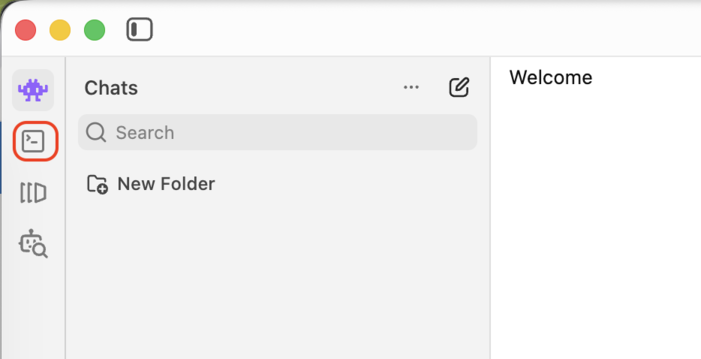
Open LM Studio and move to the Developer tab.
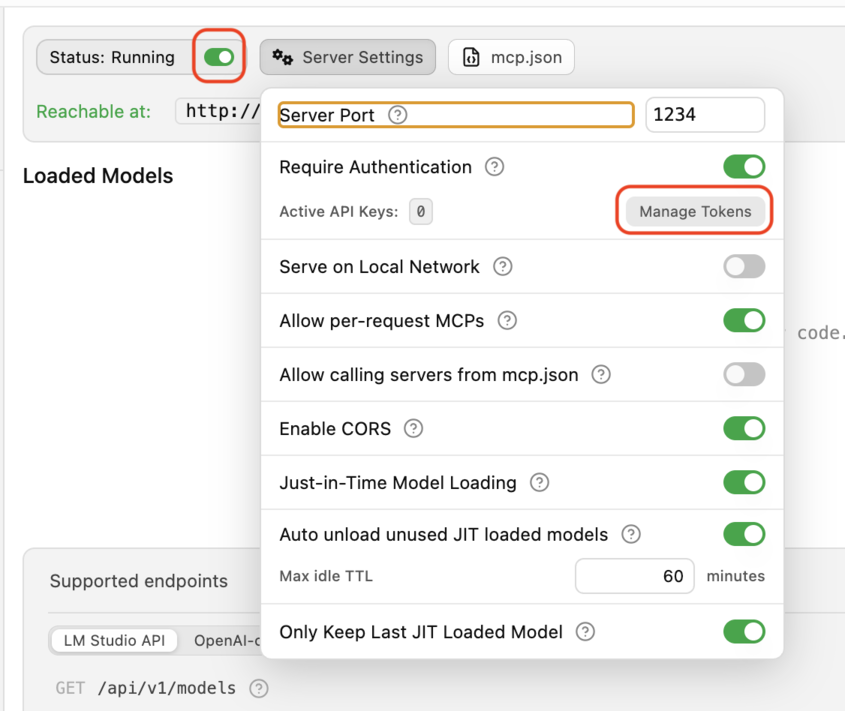
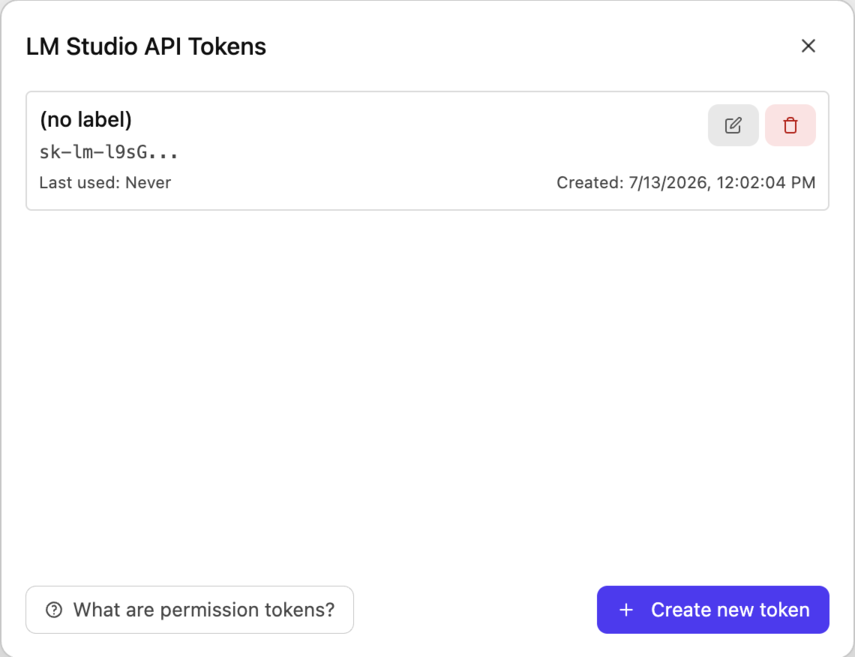
Run the server by clicking the toggle and clicking the Manage Tokens button.
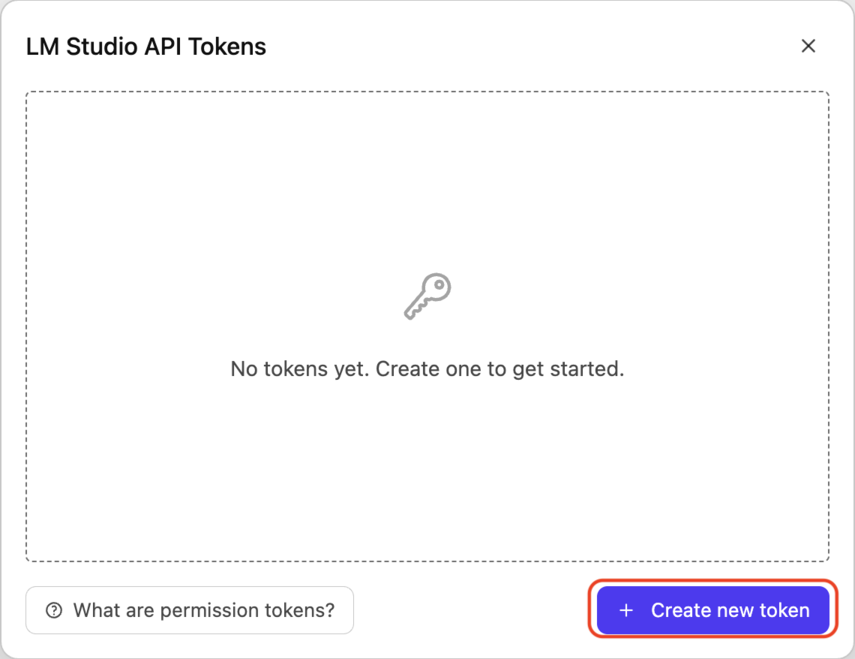
Click Create new token.
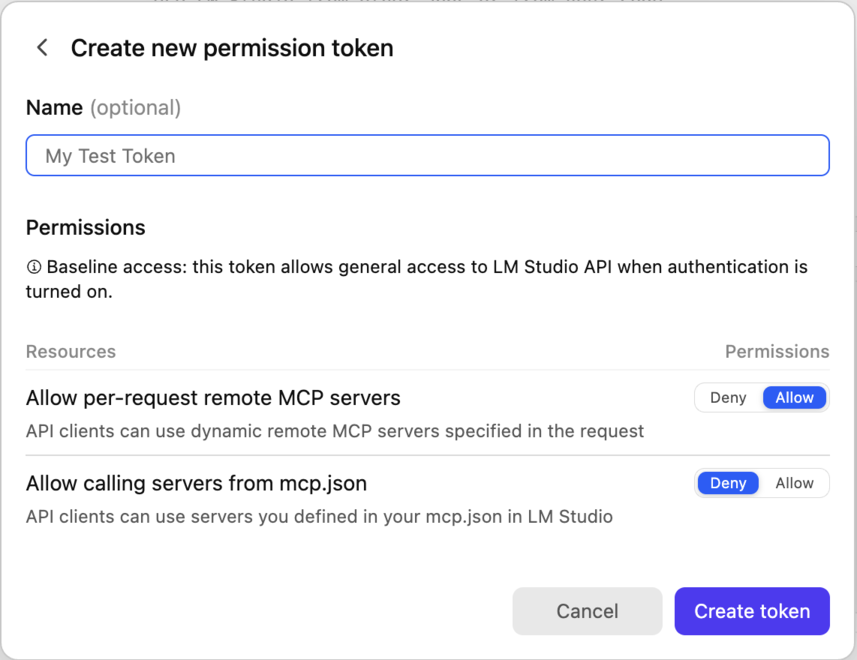
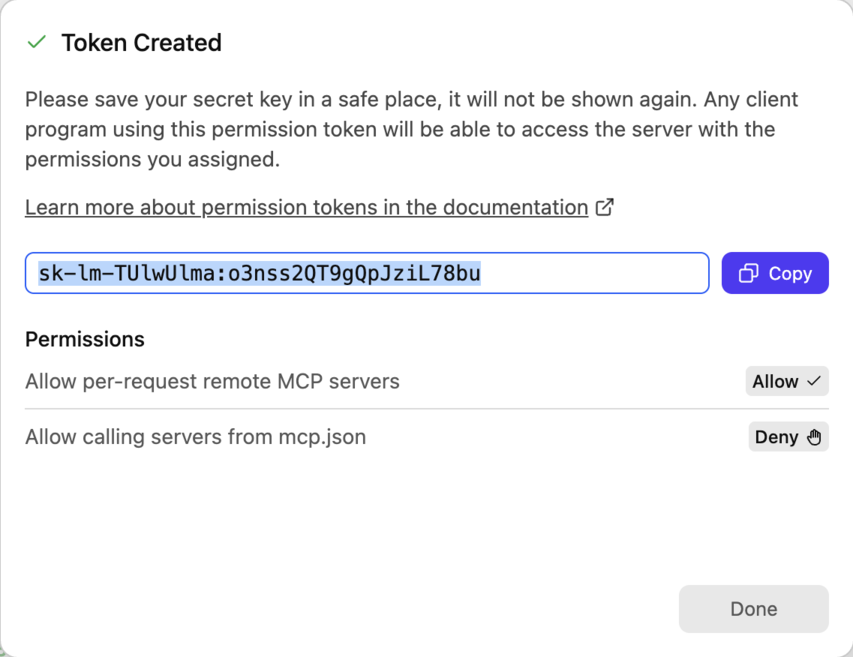
Click Create token. You can specify its name if you want.
Copy the token and paste it somewhere. You need it later.
Run and Configure Agent Vault
Run Agent Vault.
docker run -it -p 14321:14321 -p 14322:14322 \
  -e AGENT_VAULT_MASTER_PASSWORD=your-password \
  -e AGENT_VAULT_ADDR="http://localhost:14321" \
  -e AGENT_VAULT_ALLOW_PRIVATE_RANGES=true \
  -e AGENT_VAULT_LOG_LEVEL="debug" \
  -v agent-vault-data:/data \
  infisical/agent-vault:0.39.0
Notes on some parameters:
-e AGENT_VAULT_ALLOW_PRIVATE_RANGES=true: It’s necessary if you want Agent Vault to connect to local servers.-e AGENT_VAULT_LOG_LEVEL="debug": The default log level will not give you enough information for debugging.
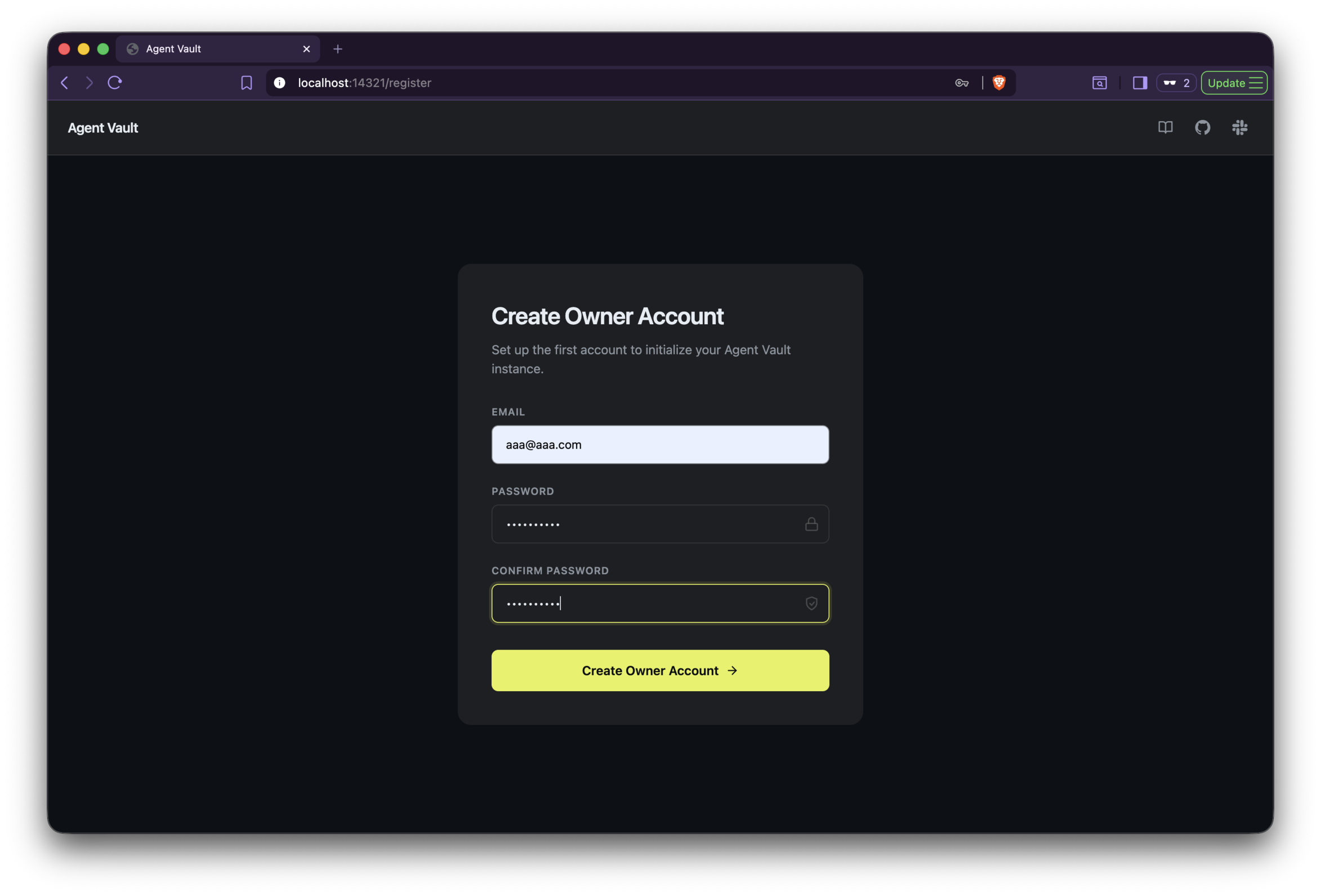
Open a web browser and go to http://localhost:14321.
Then, create an account.
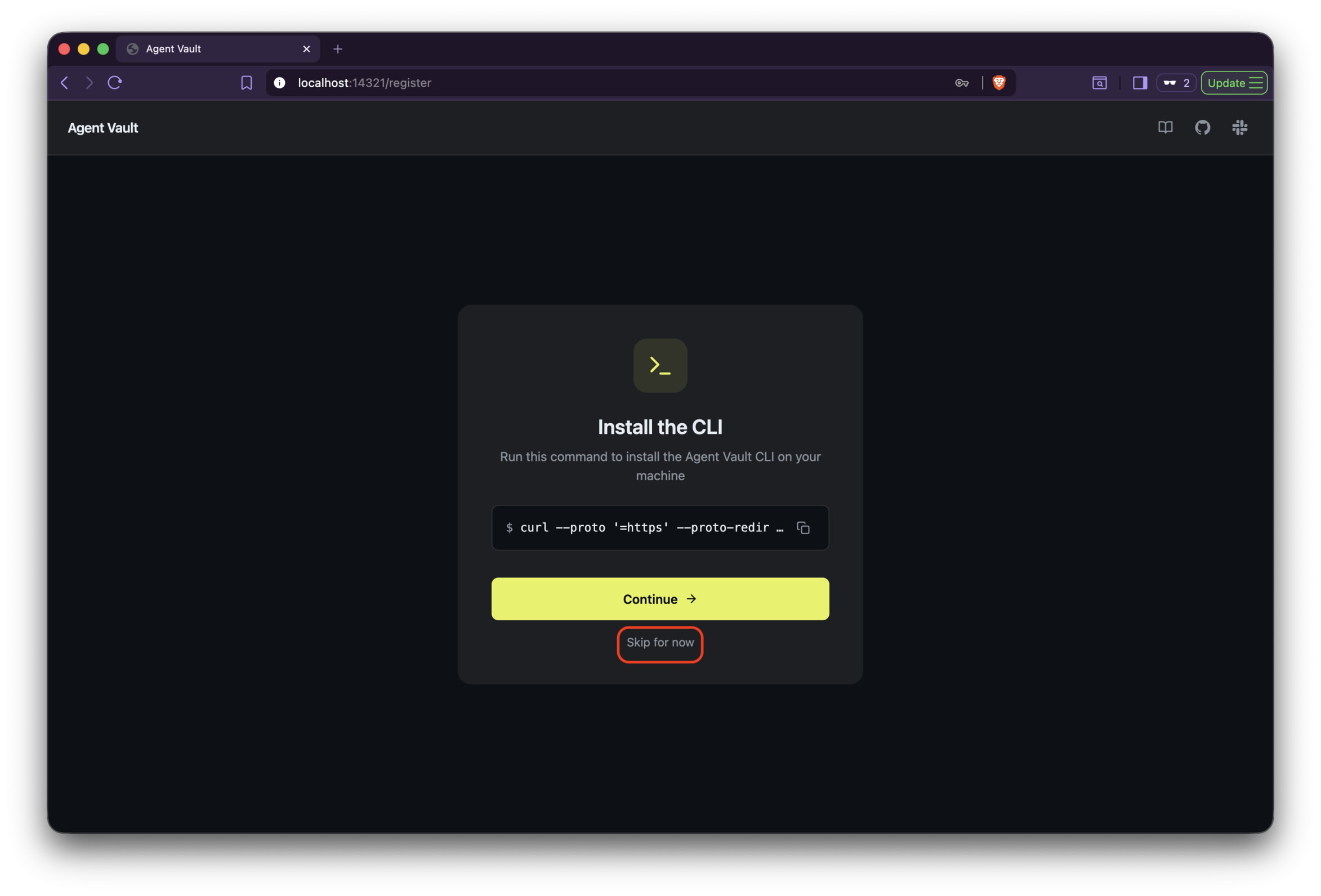
Skip installing the CLI.
Click the New vault button.
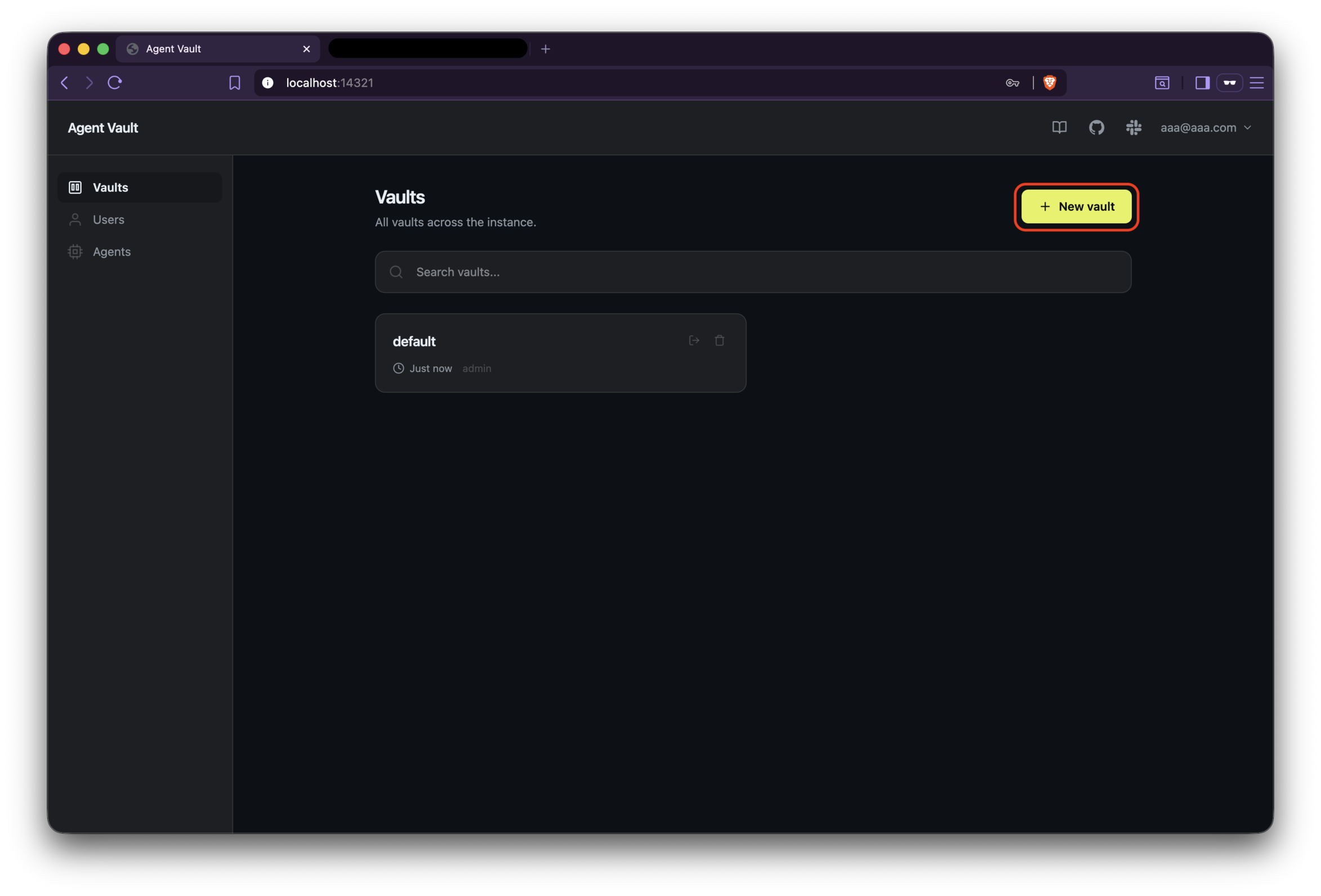
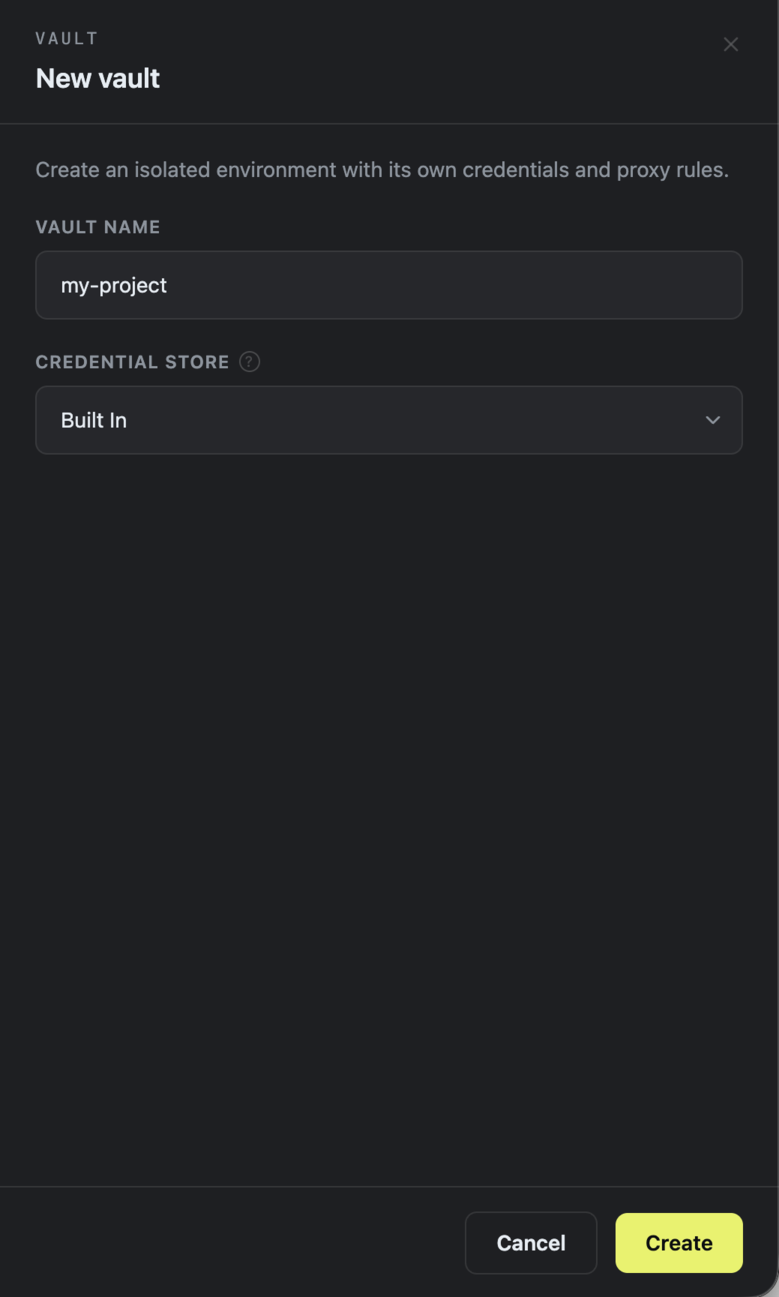
Set the fields as below and click the Create button:
- VAULT NAME:
my-project - CREDENTIAL STORE: Built in (default)
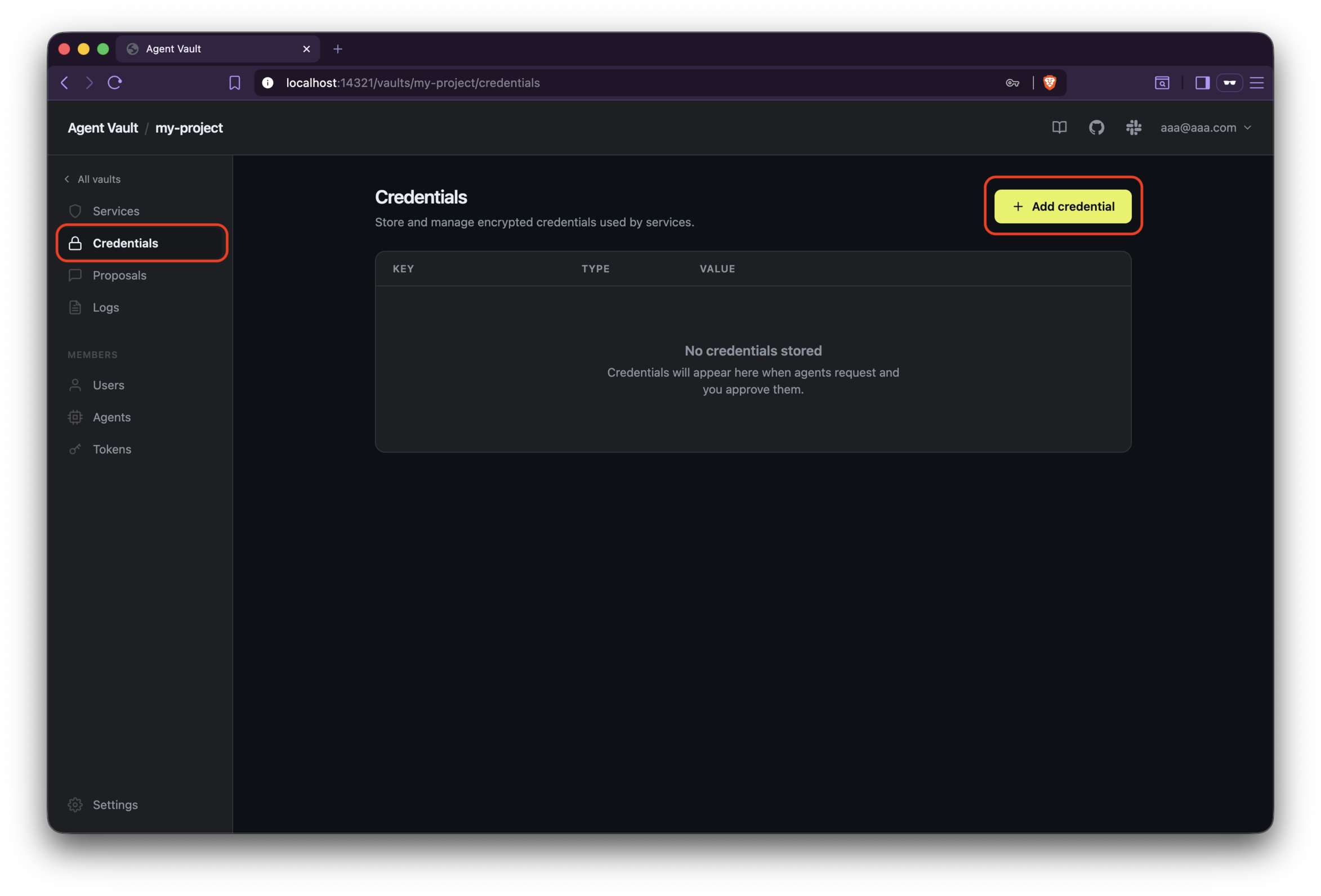
After clicking the button, you are now in the Vault page you’ve created.
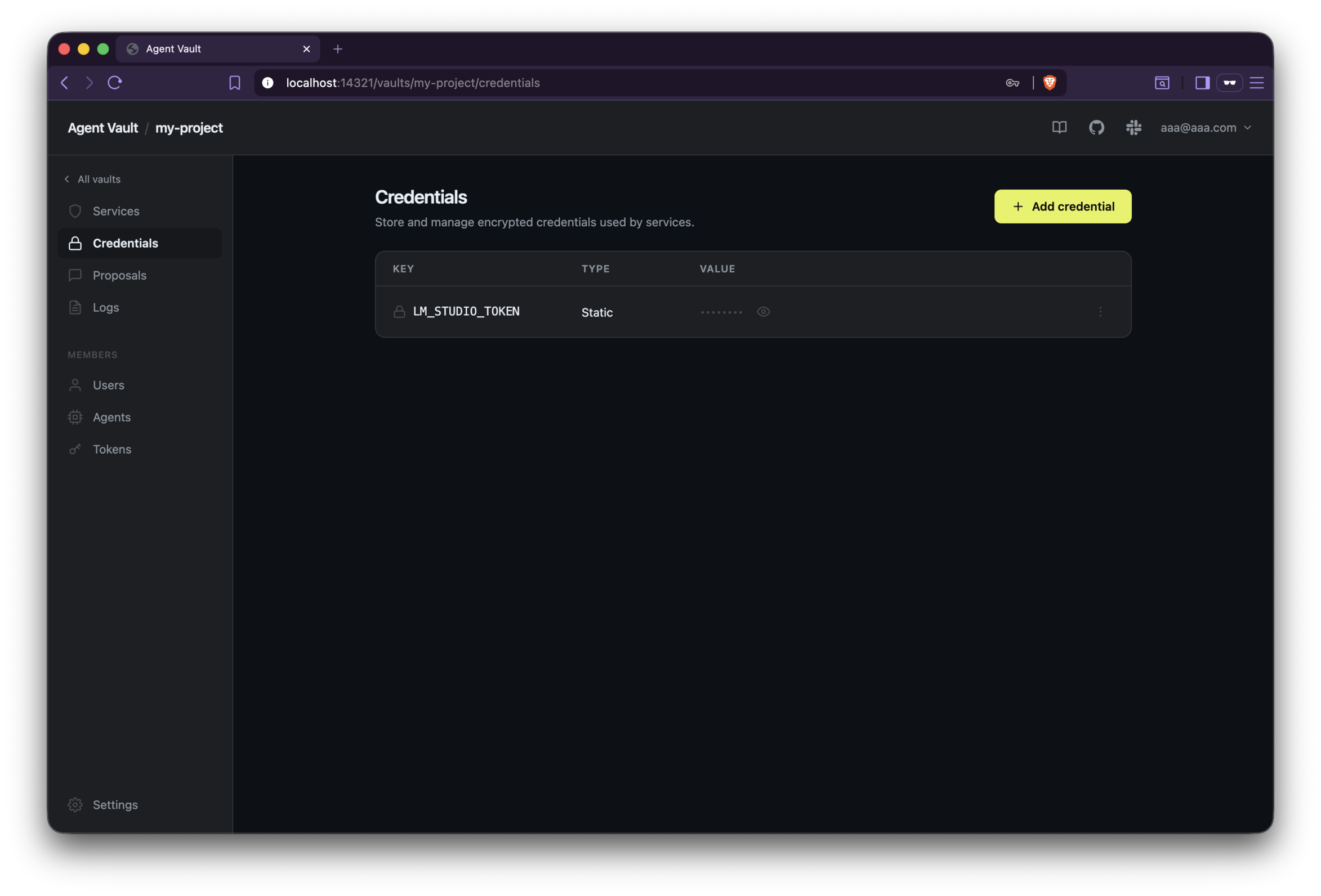
Click Credentials on the left pane, and then click the Add credential button.
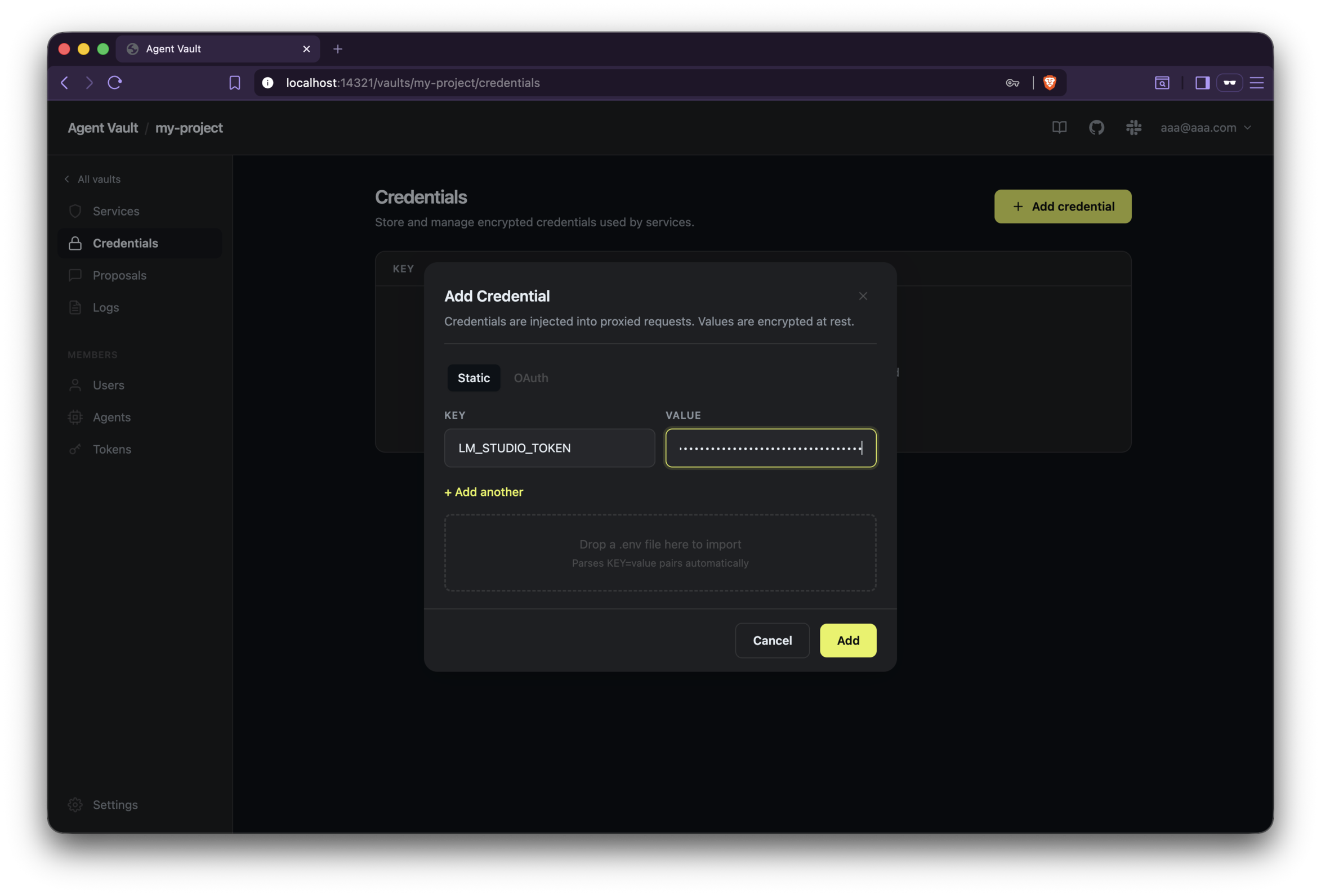
Set the fields as below and click the Add button:
- KEY:
LM_STUDIO_TOKEN - VALUE: the token you generated in LM Studio
After clicking the button, you will see the credential you’ve created listed.
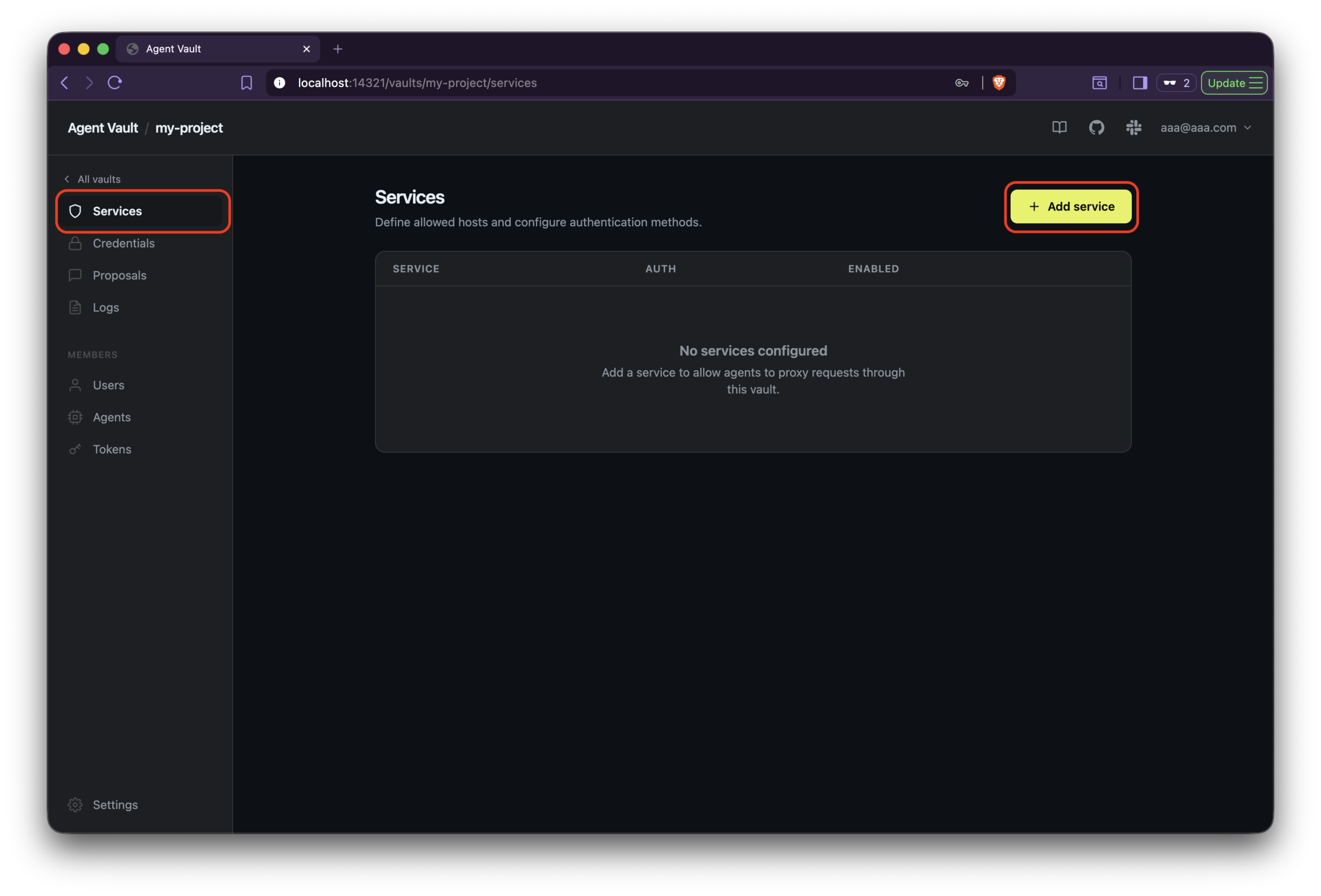
Click Services on the left pane, and then click the Add service button.
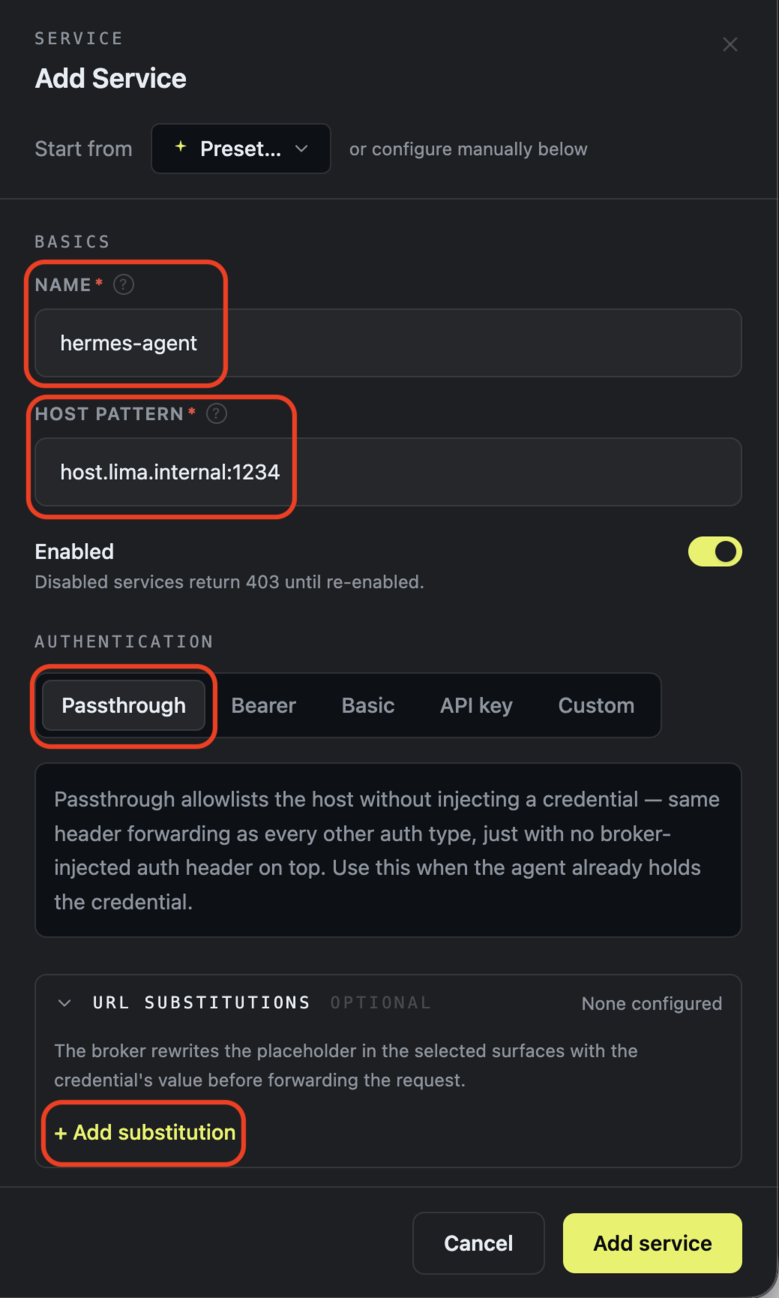
Set the fields as below:
- NAME:
hermes-agent - HOST PATTERN:
host.lima.internal:1234
After filling the fields, click Passthrough and Add substitution.
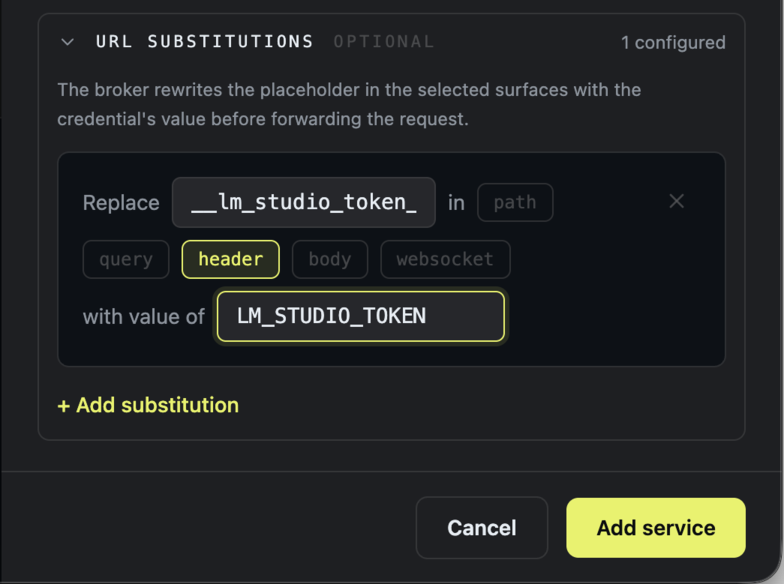
Set the configs as below:
- between
Replaceandin:__lm_studio_token__- This value will be used when you configure the Hermes Agent’s LLM provider.
- between
inandwith value of:header- Only
headershould be brightened. You can toggle it by clicking it.- When Hermes Agent sends a request to LM Studio, the agent includes the token in the request’s header.
- Only
- after
with value of:LM_STUDIO_TOKEN- This is what you created in the Credentials page.
And then, click the Add service button.
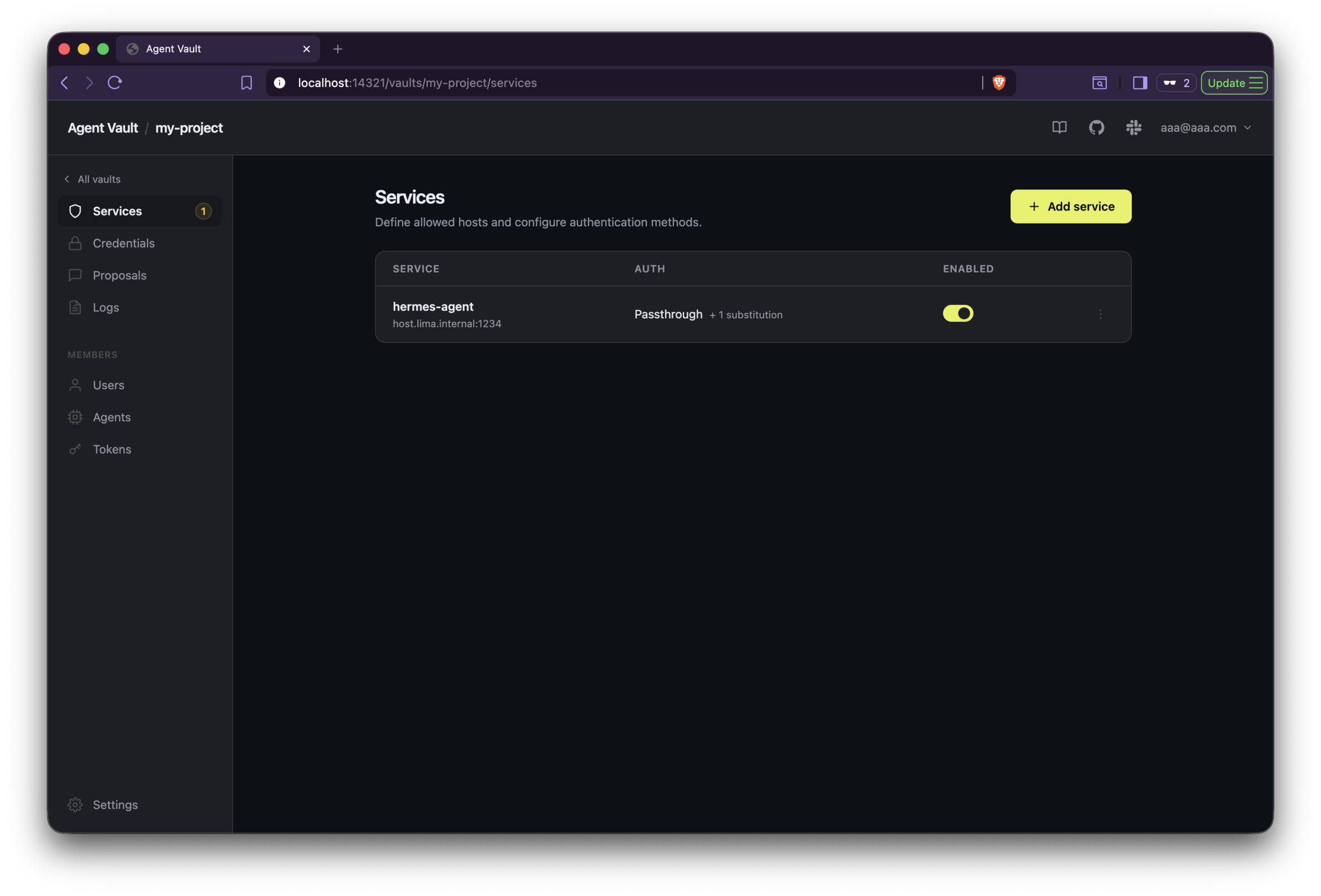
Click the Agent Vault in Agent Vault / my-project on the left upper side.
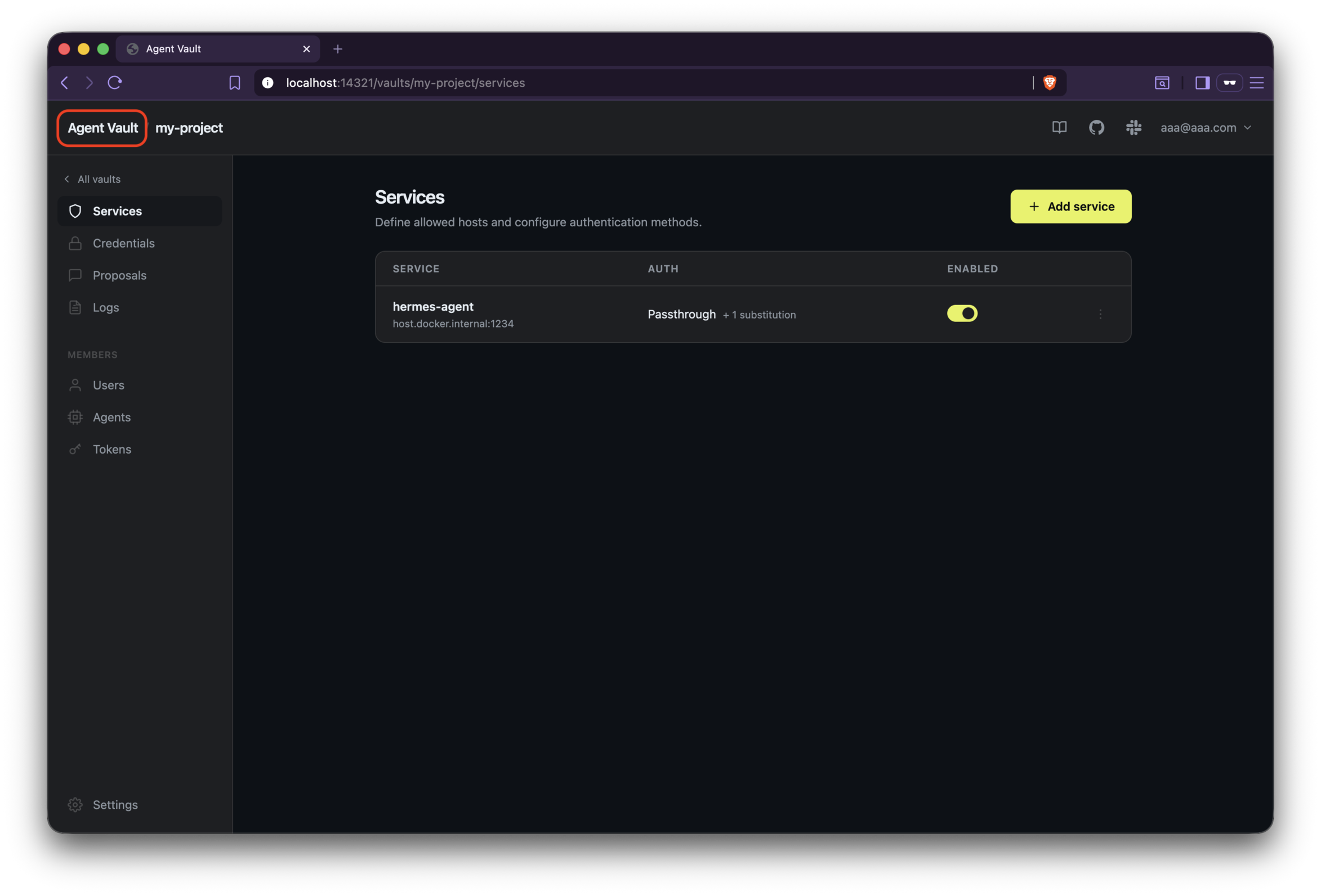
Click Agents on the left pane, and then click the Add agent button.
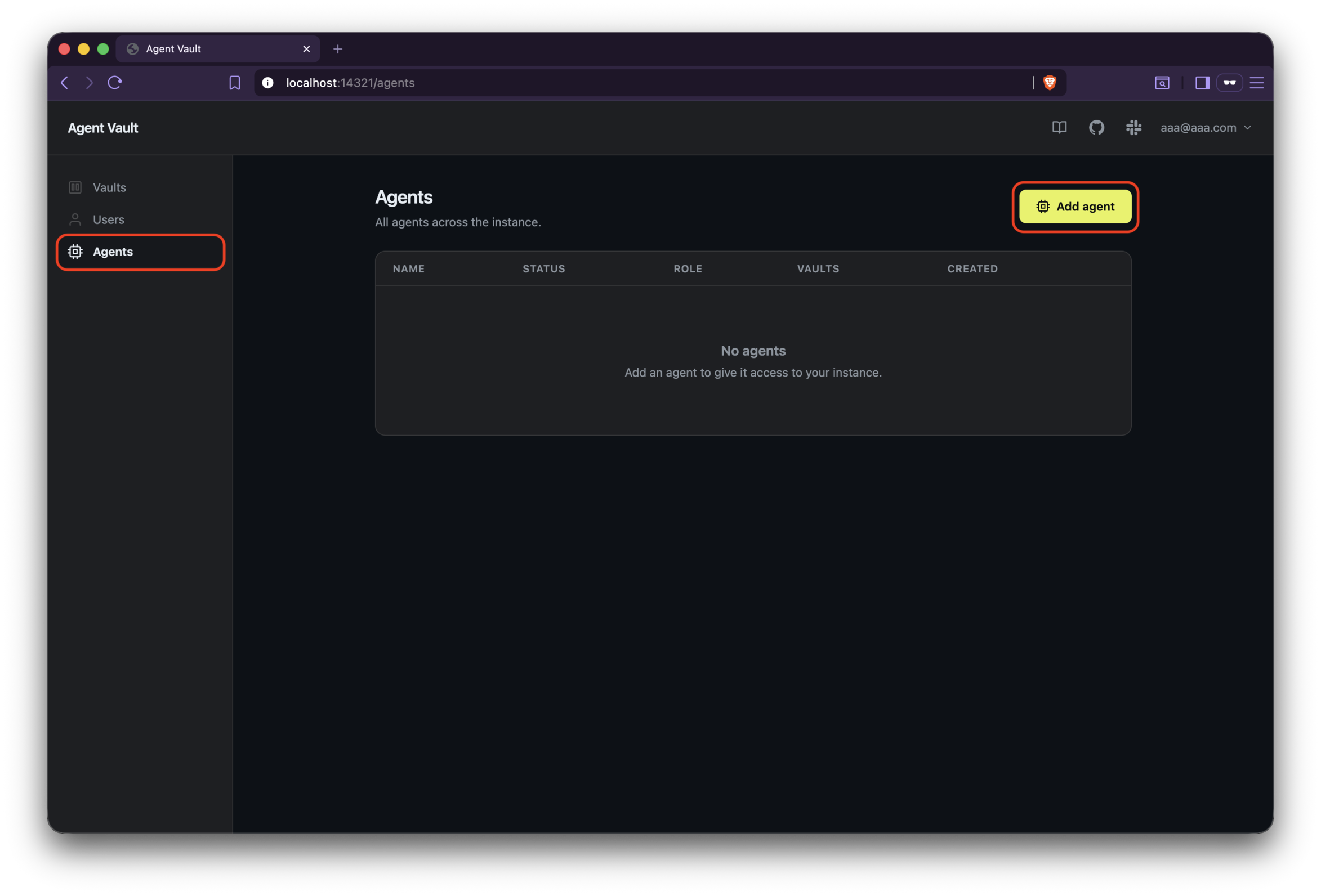
Set the fields as below and click the Add button:
- AGENT NAME:
hermes-agent - INSTANCE ROLE: No Access (default)
- VAULT ACCESS:
my-project, Proxy (default)
Copy commands in Set environment variables and paste them to somewhere. You need them when running Hermes Agent.
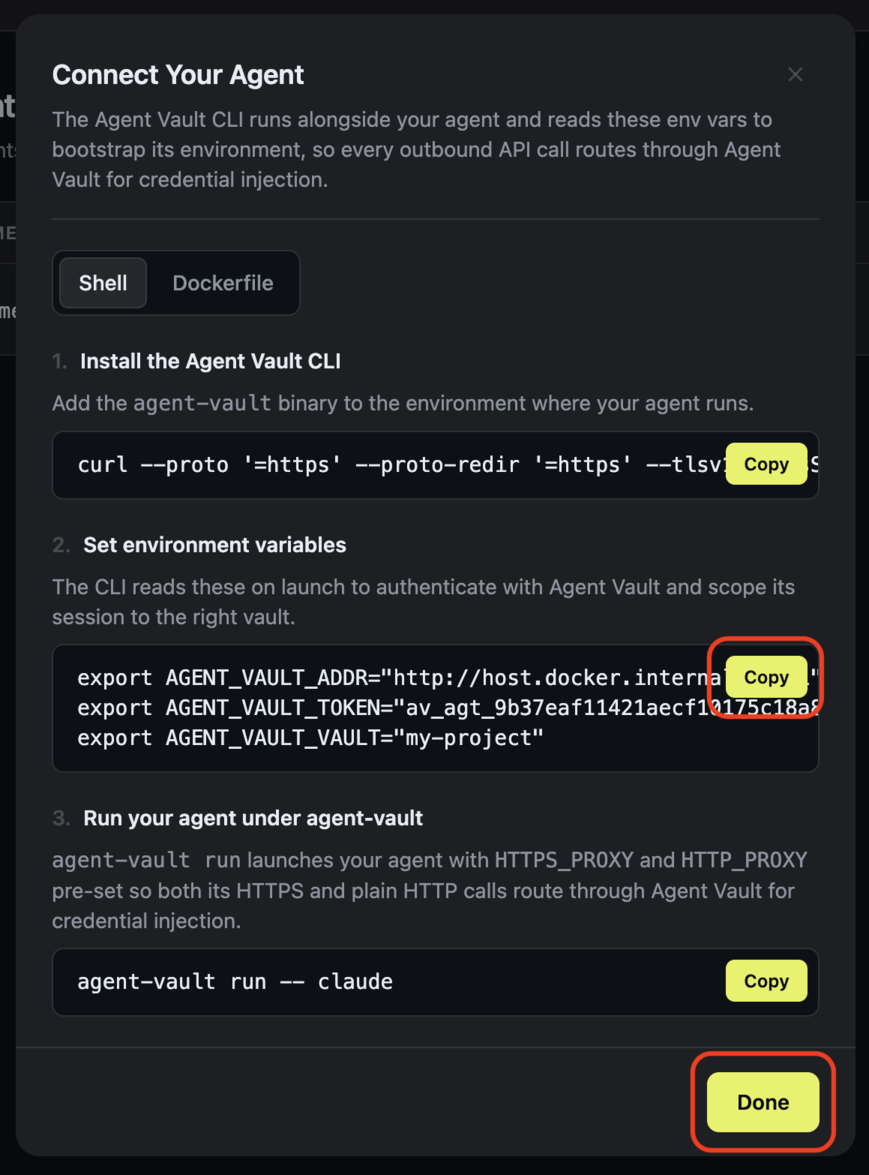
Click the Done button.
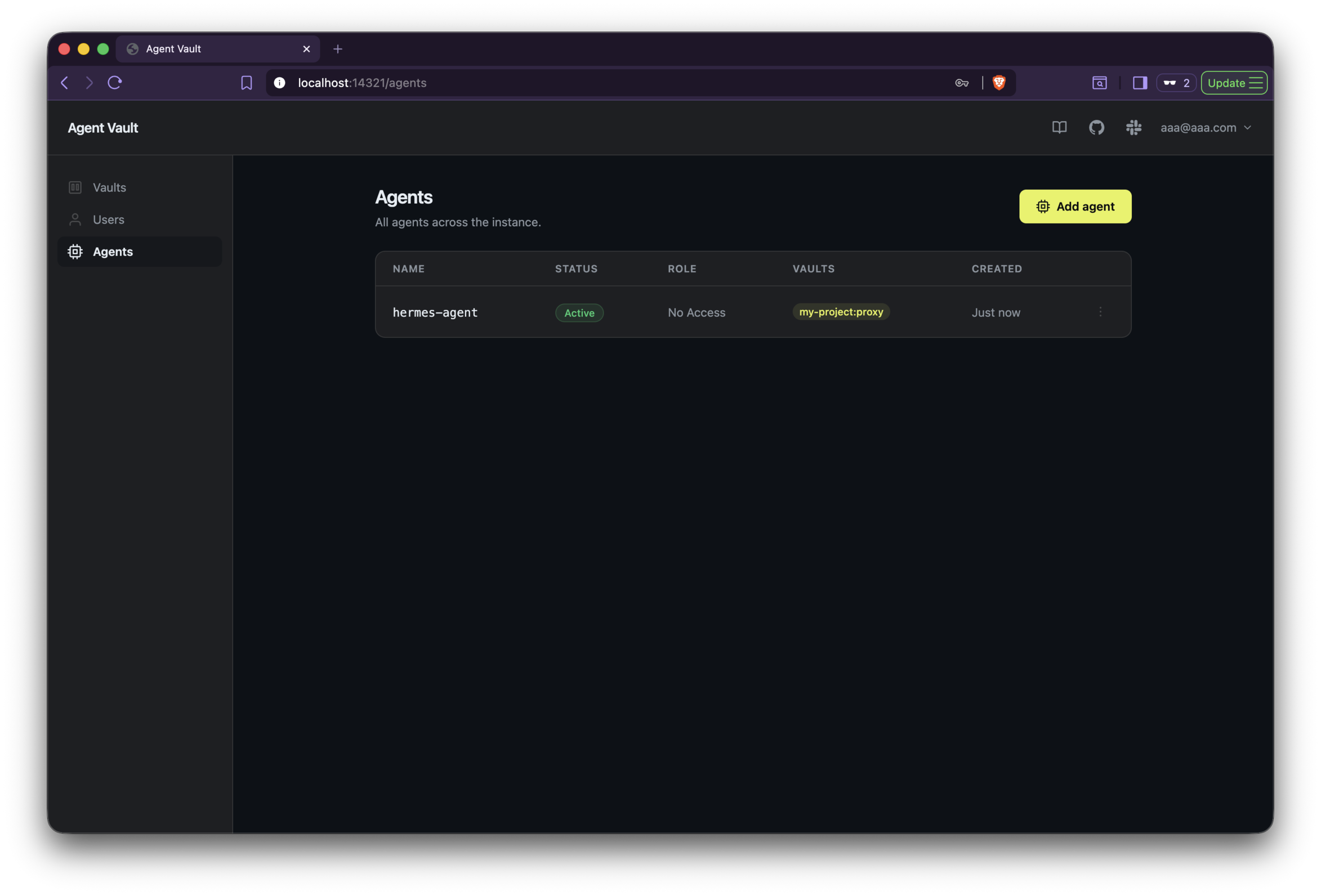
Build the Hermes Agent Container Image for Agent Vault
Hermes Agent should be run with Agent Vault.
So, build a Hermes Agent container image containing Agent Vault.
Create a Dockerfile as below:
FROM nousresearch/hermes-agent:v2026.7.7.2

COPY --from=infisical/agent-vault:latest /usr/local/bin/agent-vault /usr/local/bin/agent-vault

USER hermes

ENTRYPOINT ["agent-vault", "run", "--", "hermes"]
If you don’t set the user(USER hermes), you will have a permission issue later.
Build the image:
docker build -t hermes-agent-vault .
Setup and Run Hermes Agent
Setup Hermes Agent.
docker run -it --rm \
  -e AGENT_VAULT_ADDR="http://host.docker.internal:14321" \
  -e AGENT_VAULT_TOKEN="<AGENT_VAULT_TOKEN>" \
  -e AGENT_VAULT_VAULT="my-project" \
  -v hermes-agent:/opt/data \
  hermes-agent-vault setup
Notes on some parameters:
-e AGENT_VAULT_TOKEN="av_agt_ (...)": the token you got when you added an agent in Agent Vault.-e AGENT_VAULT_ADDR="http://host.docker.internal:14321":host.docker.internalis used when an app in a container wants to access to the container’s host machine. In this article, we expose Agent Vault’s ports to the host machine.
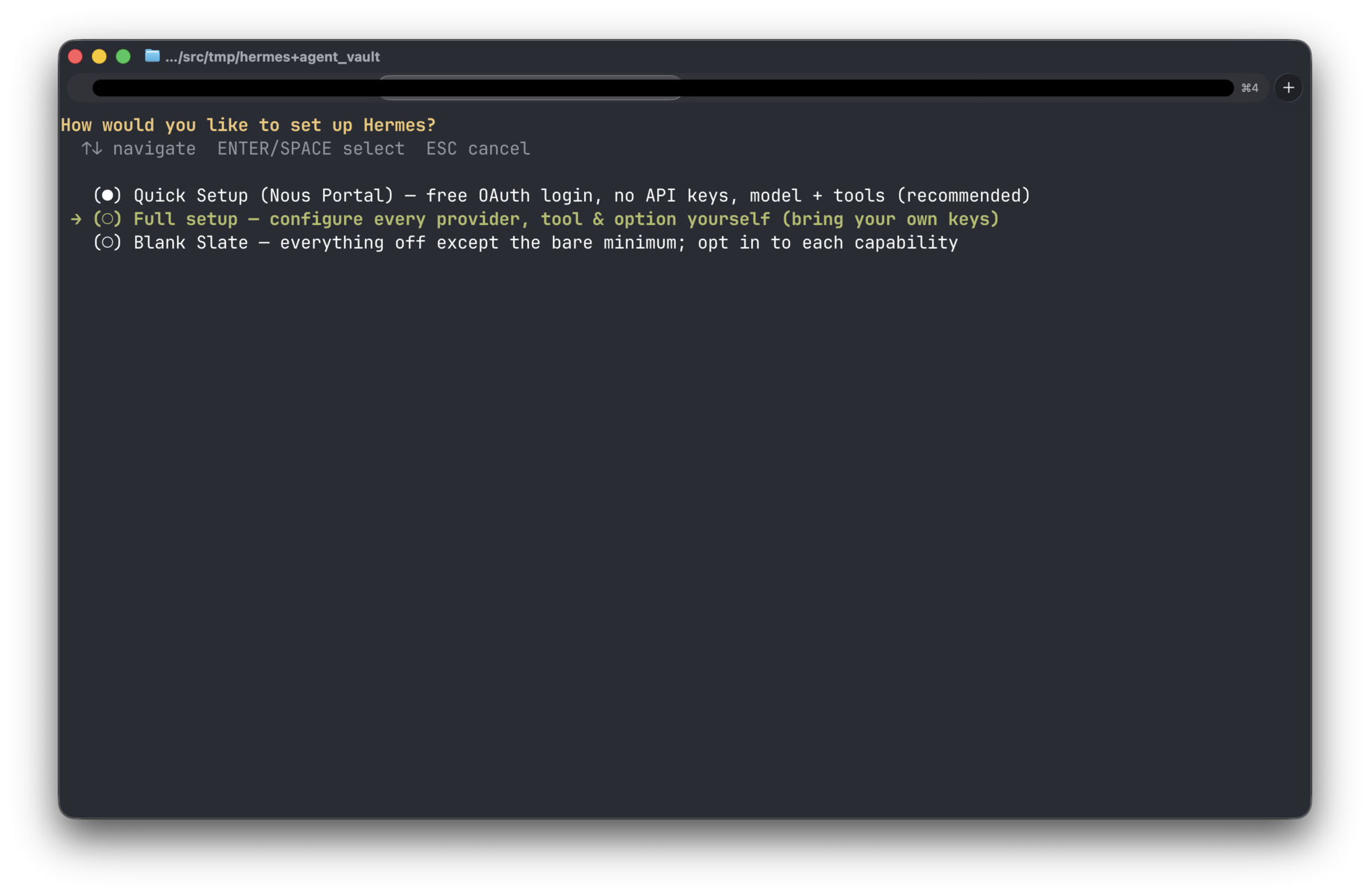
Select Full setup and press the Enter key.
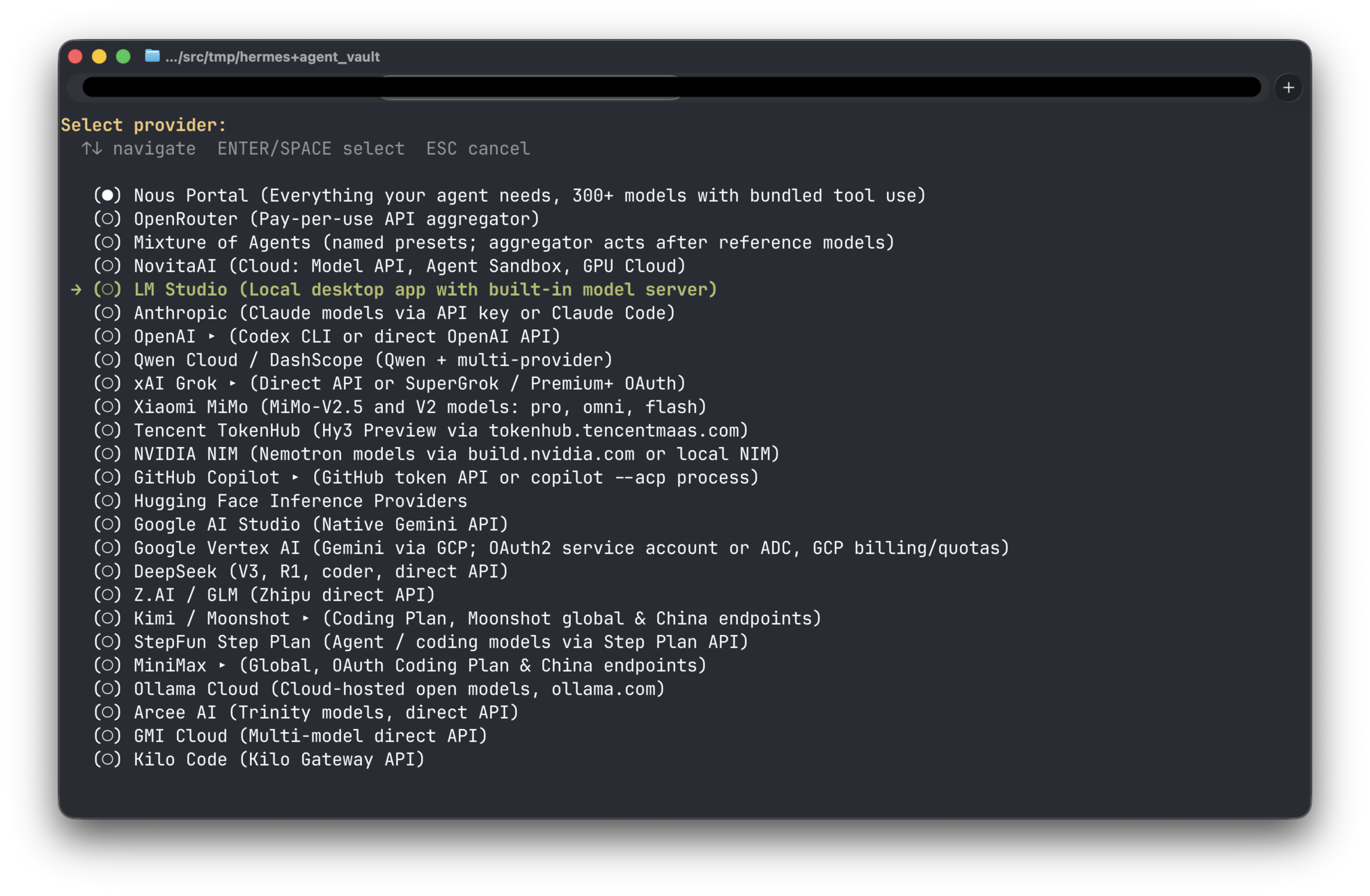
Select LM Studio and press the enter key.
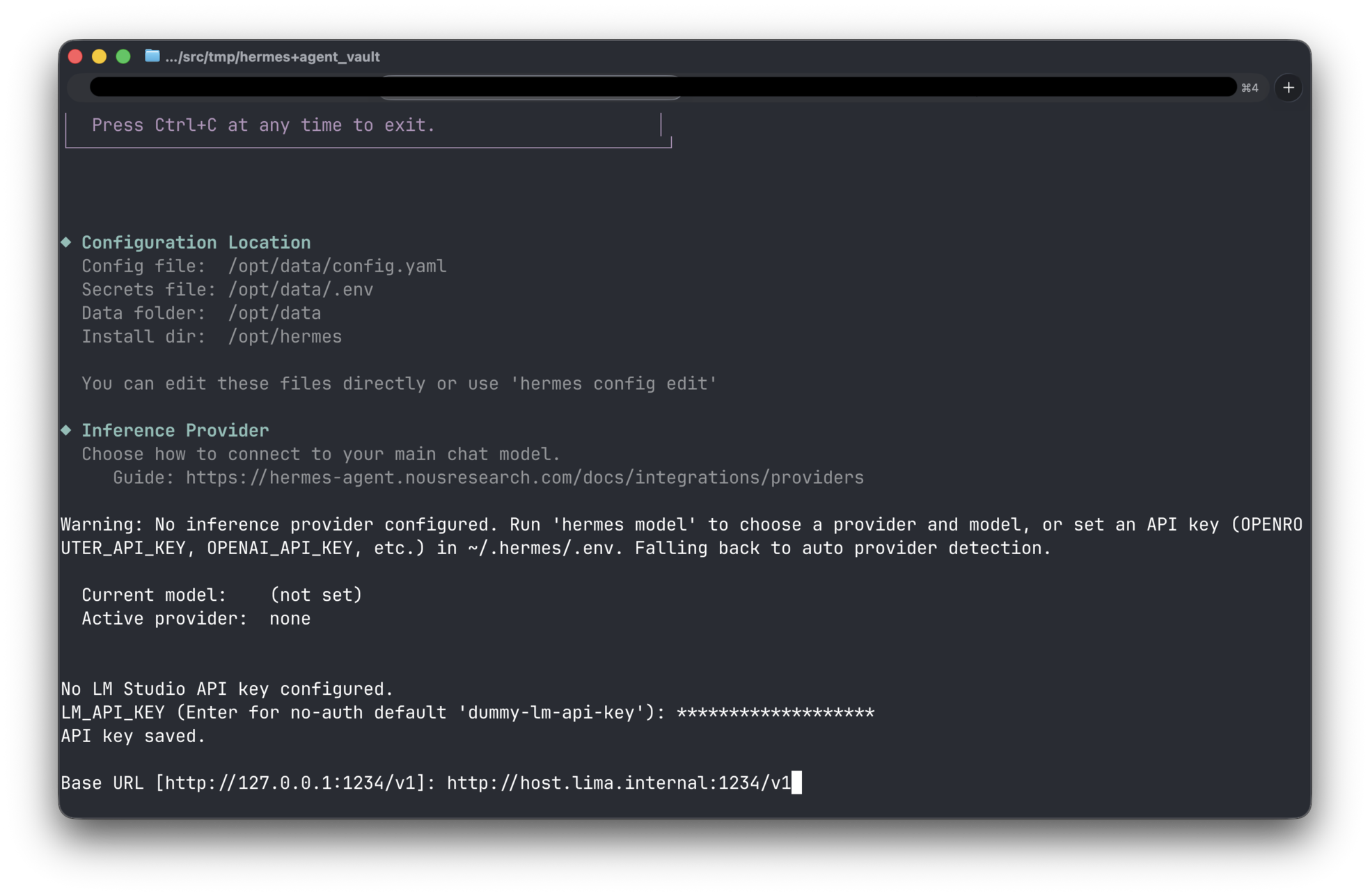
You will be asked to enter LM Studio info.
Enter the values as below:
- LM_API_KEY:
__lm_studio_token__ - Base URL:
http://host.lima.internal:1234/v1
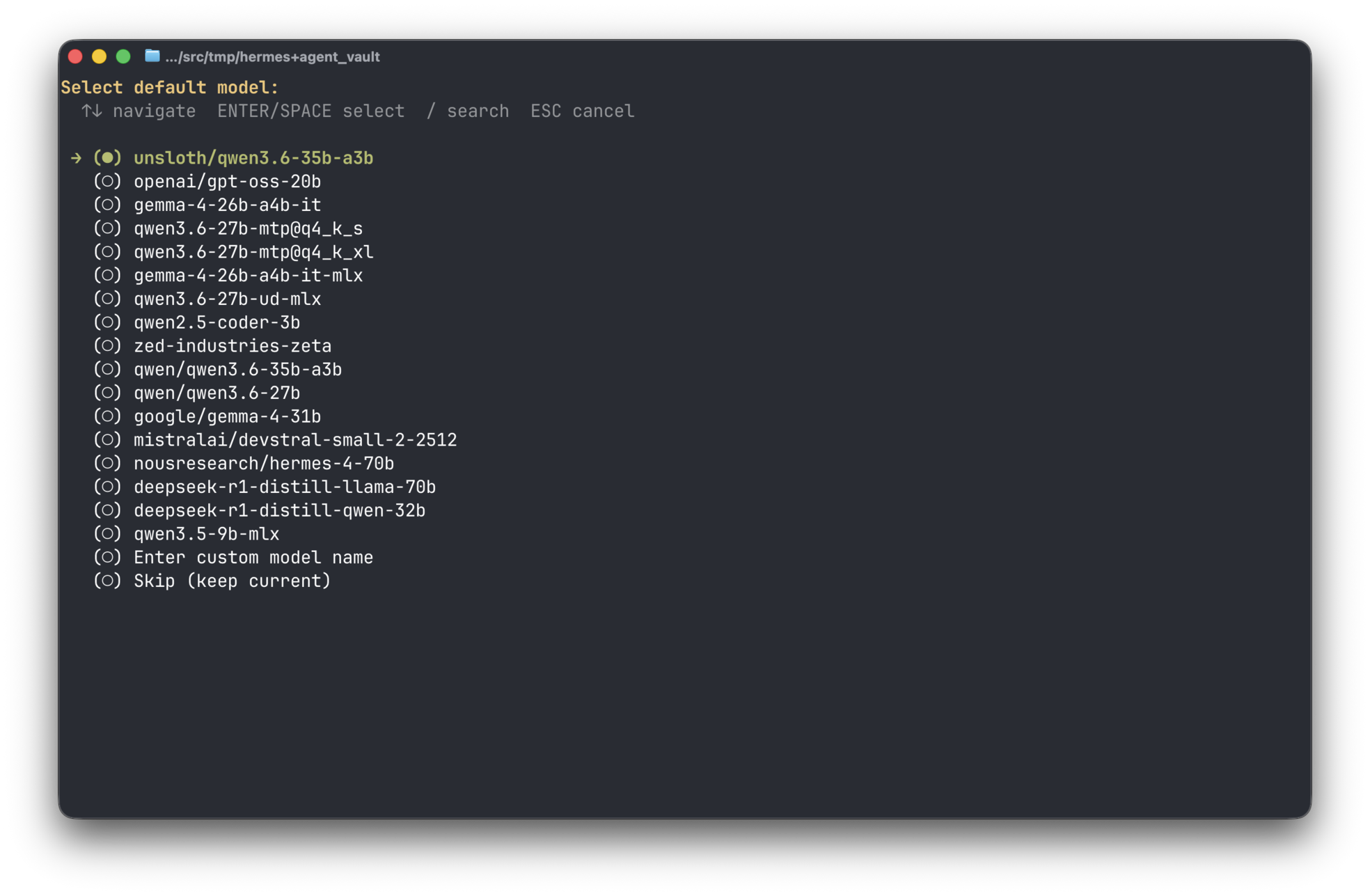
Select default model you want to use.
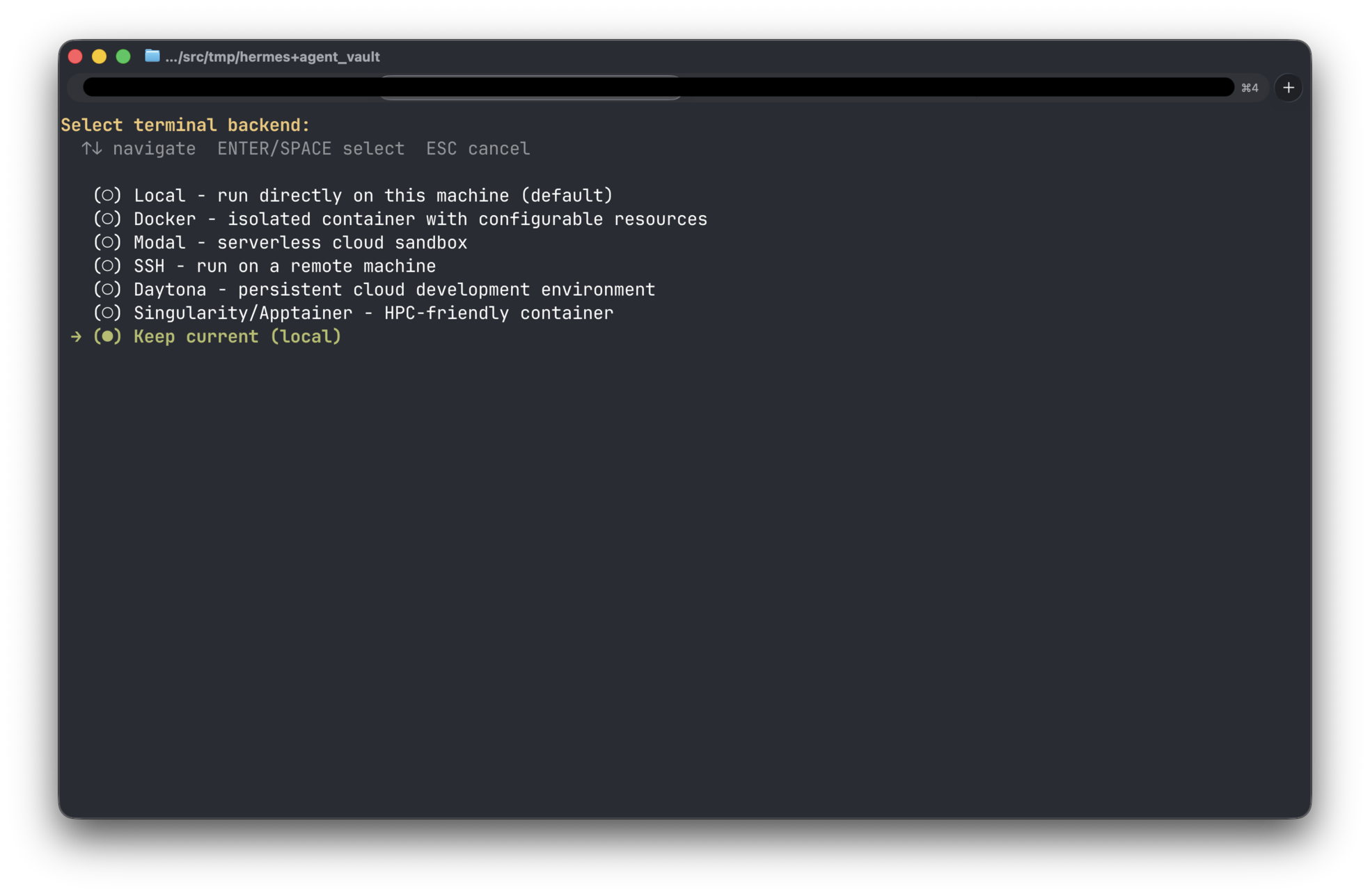
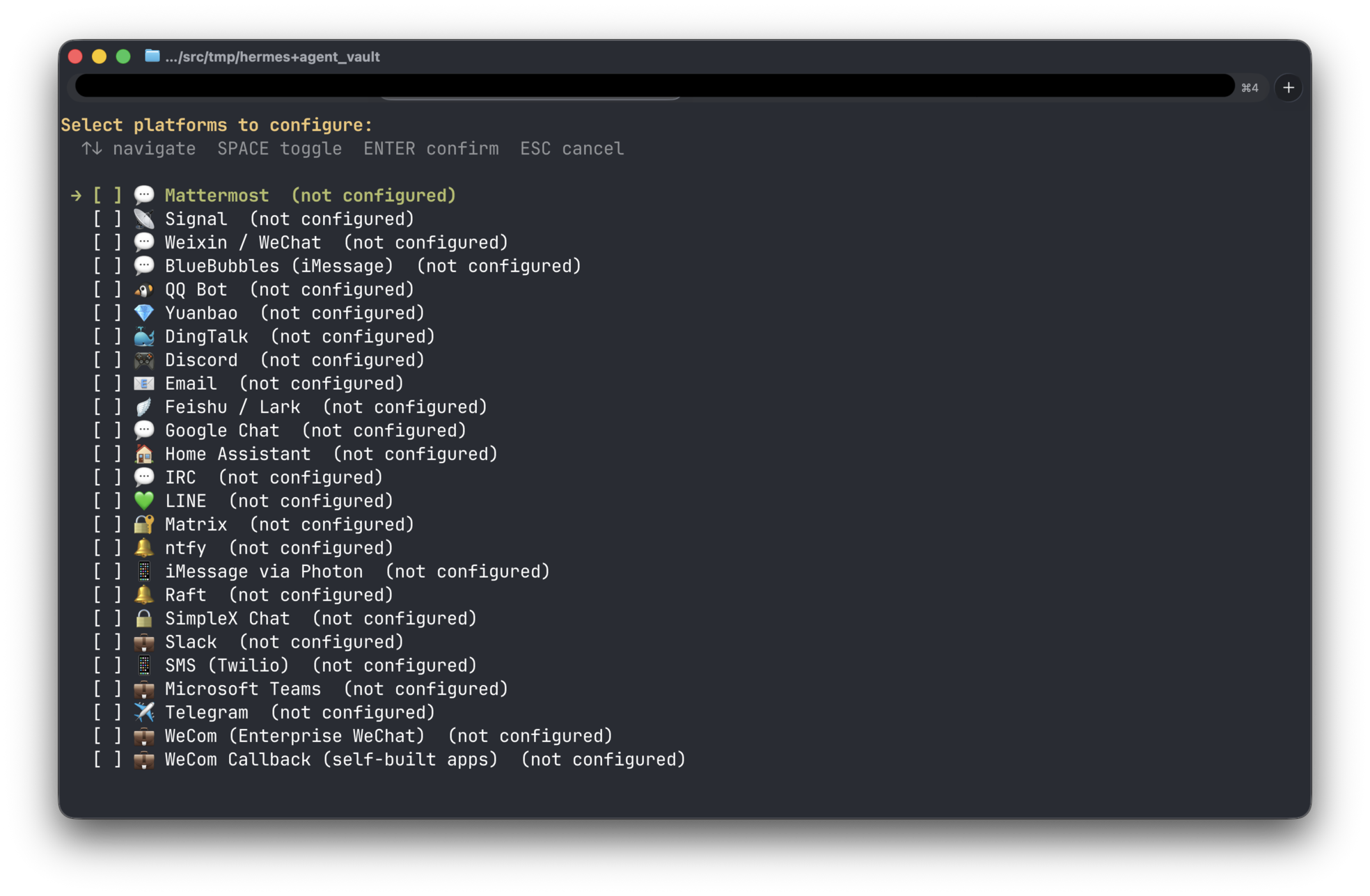
Configure the other settings as you need.
Use default settings if you don’t know.
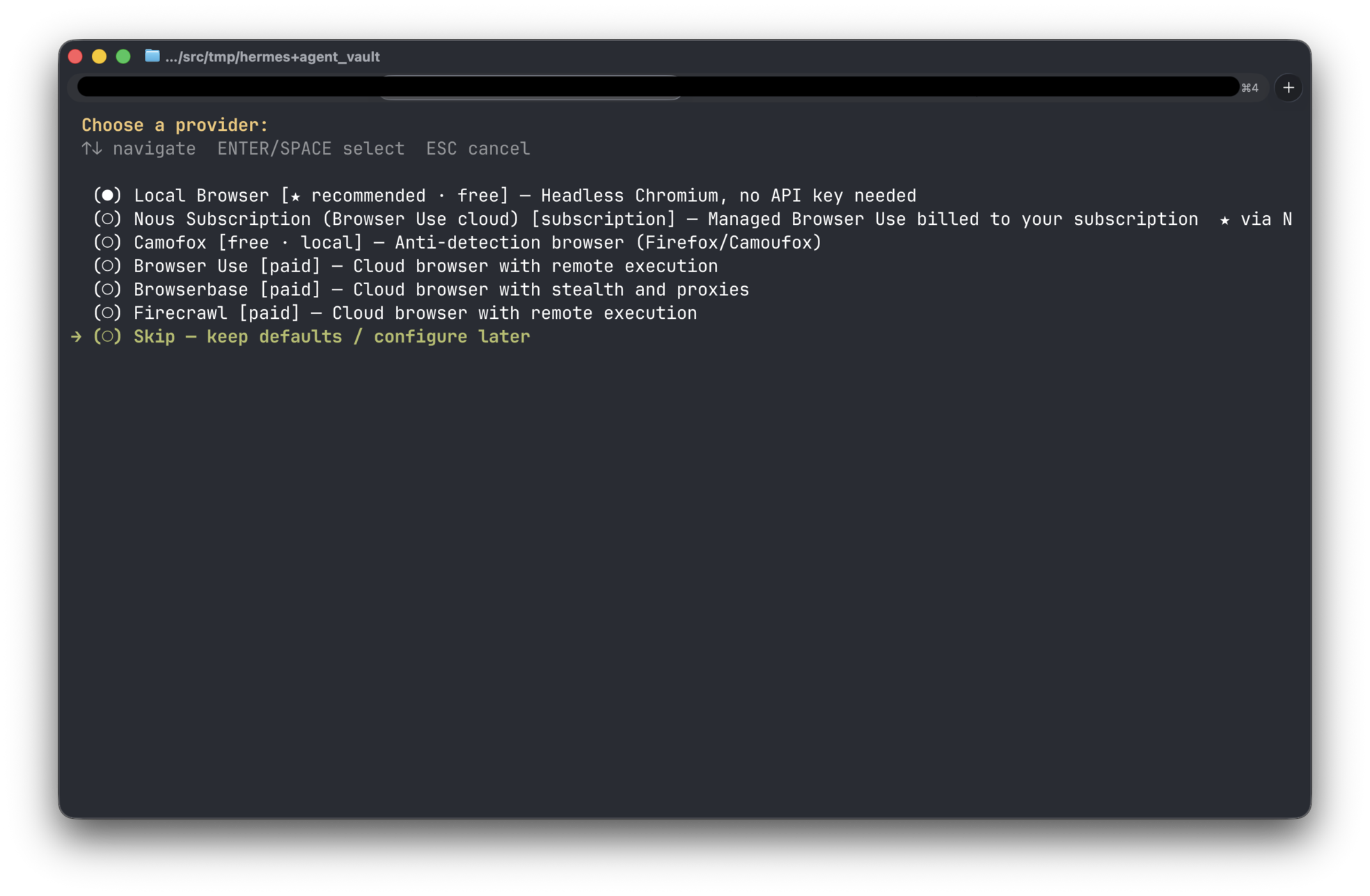
After finishing the setup, run Hermes Agent and say hello to the agent.
docker run -it --rm \
  -e AGENT_VAULT_ADDR="http://host.docker.internal:14321" \
  -e AGENT_VAULT_TOKEN="<AGENT_VAULT_TOKEN>" \
  -e AGENT_VAULT_VAULT="my-project" \
  -v hermes-agent:/opt/data \
  -v ./:/workspace \
  -w /workspace \
  hermes-agent-vault
A note on a parameter:
./:/workspace,-w /workspace: These are settings for the working directory.
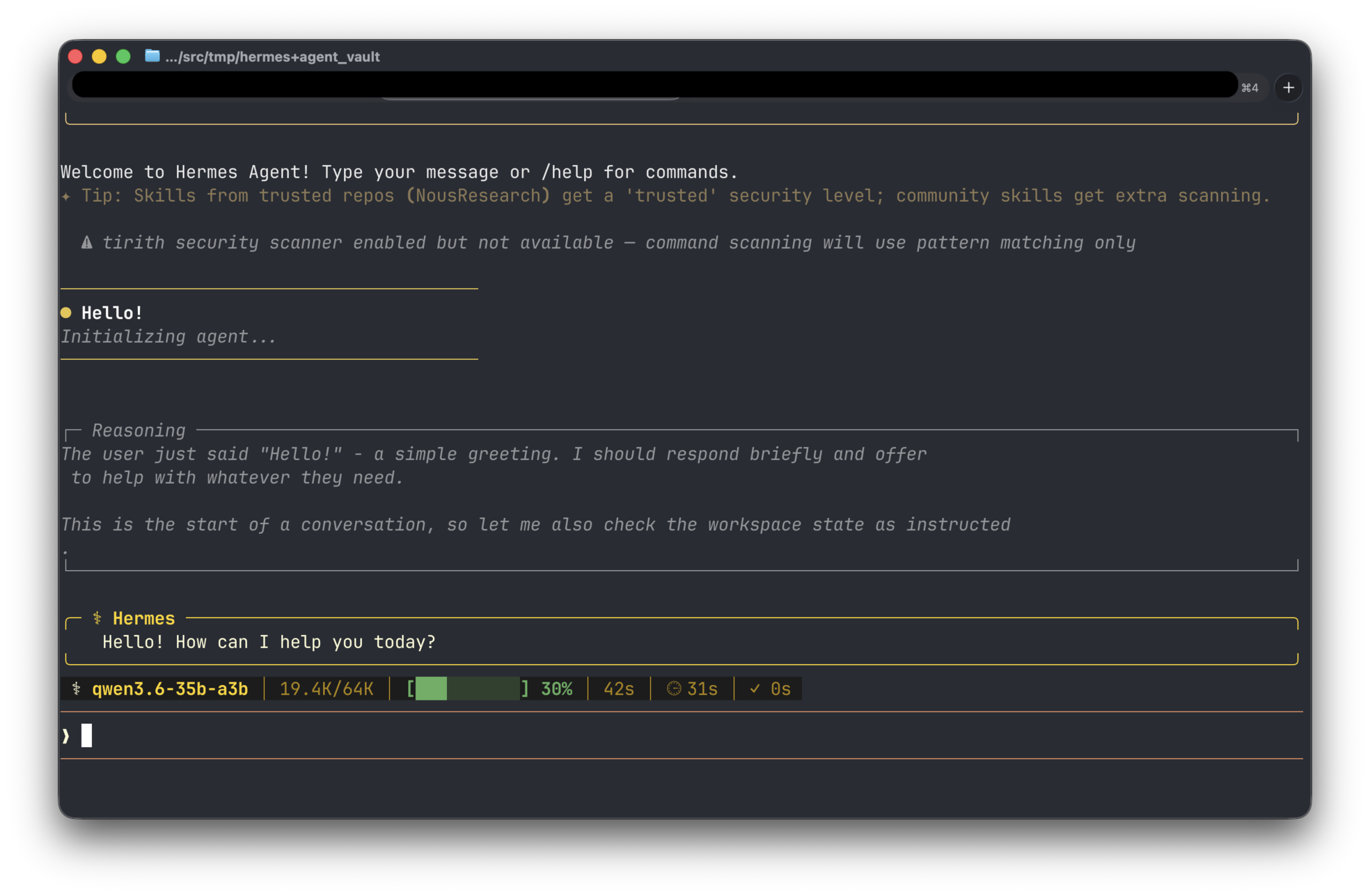
LM Studio will automatically load the model and answer your question.