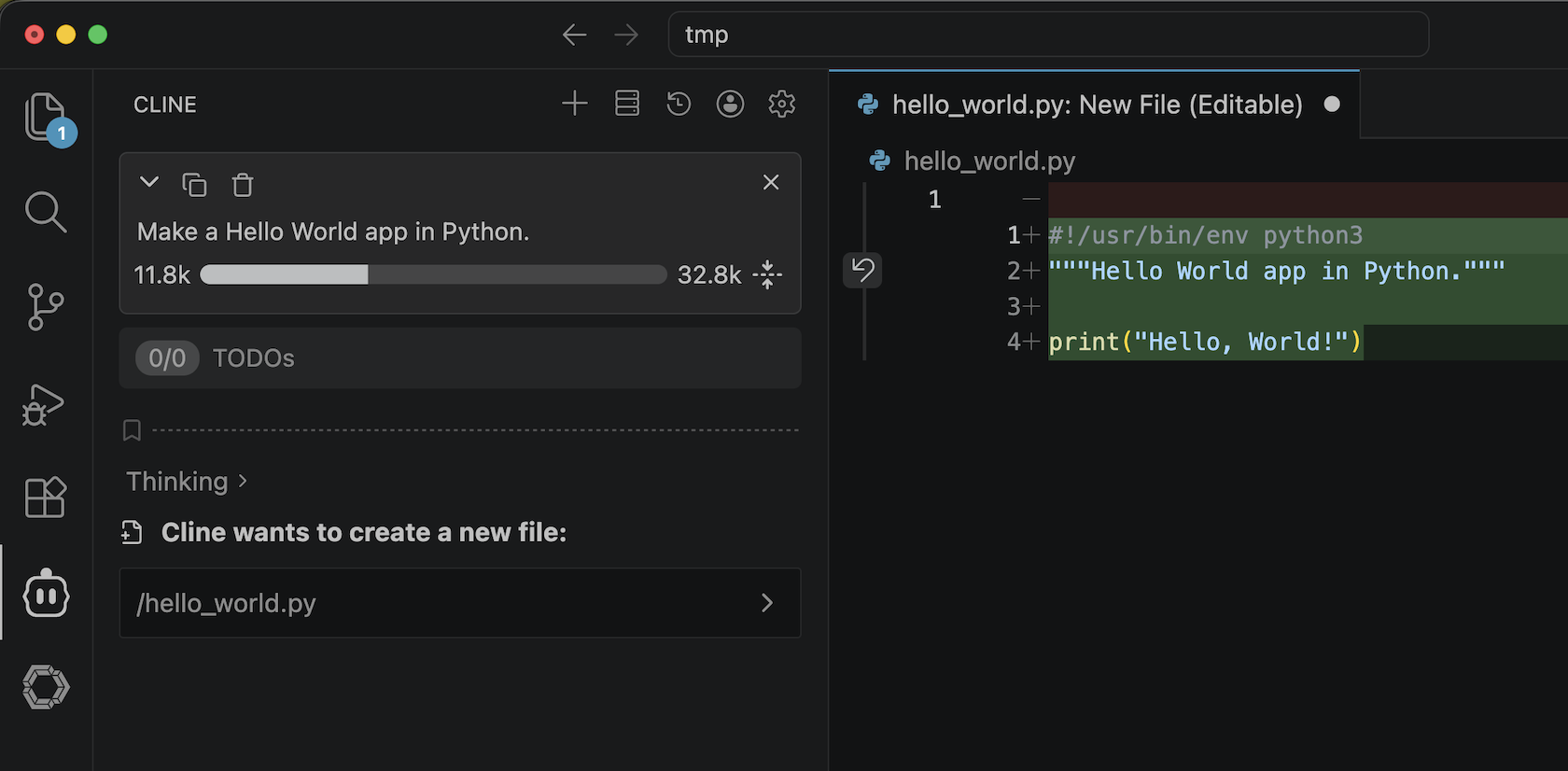
Versions
- VSCodium: 1.116.02821
- Cline: 3.83.0
- LM Studio: 0.4.12+1
- LLM: qwen/qwen3.6-35b-a3b
I’m using VSCodium here, but VS Code should work fine as well.
Start an LLM Server
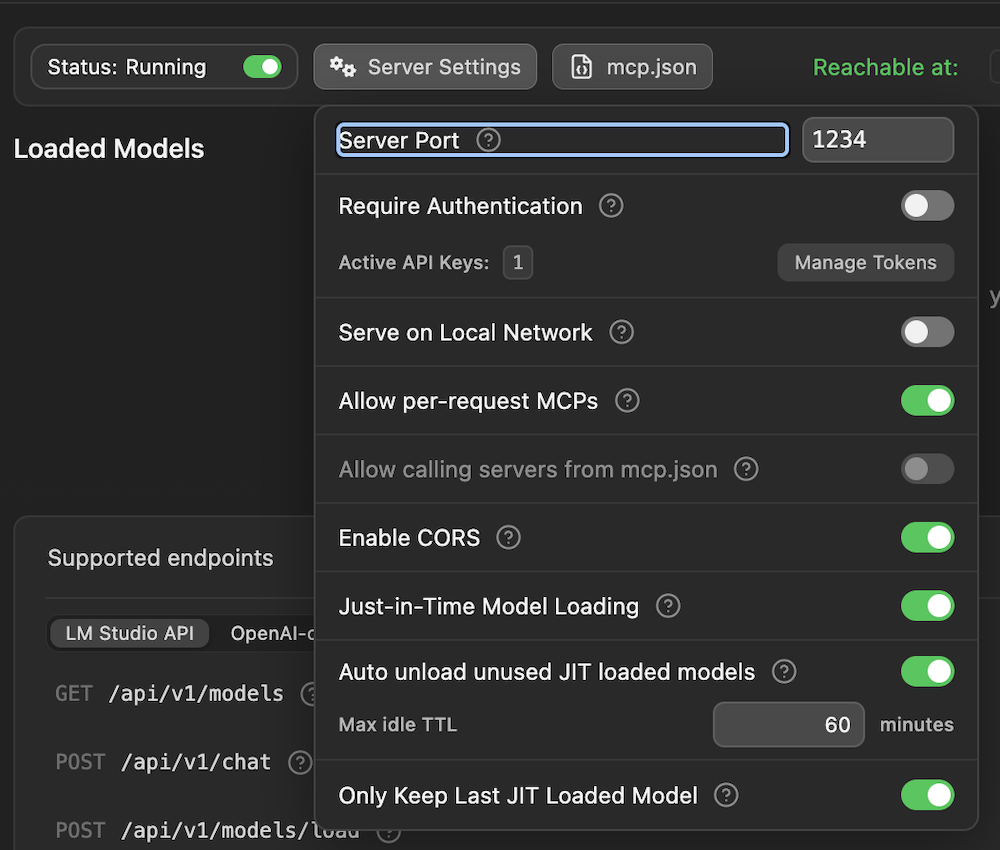
- Open LM Studio and start the LLM server.

Click the toggle next to Status: Stopped.

From Server Settings, enable CORS.
Set up Cline
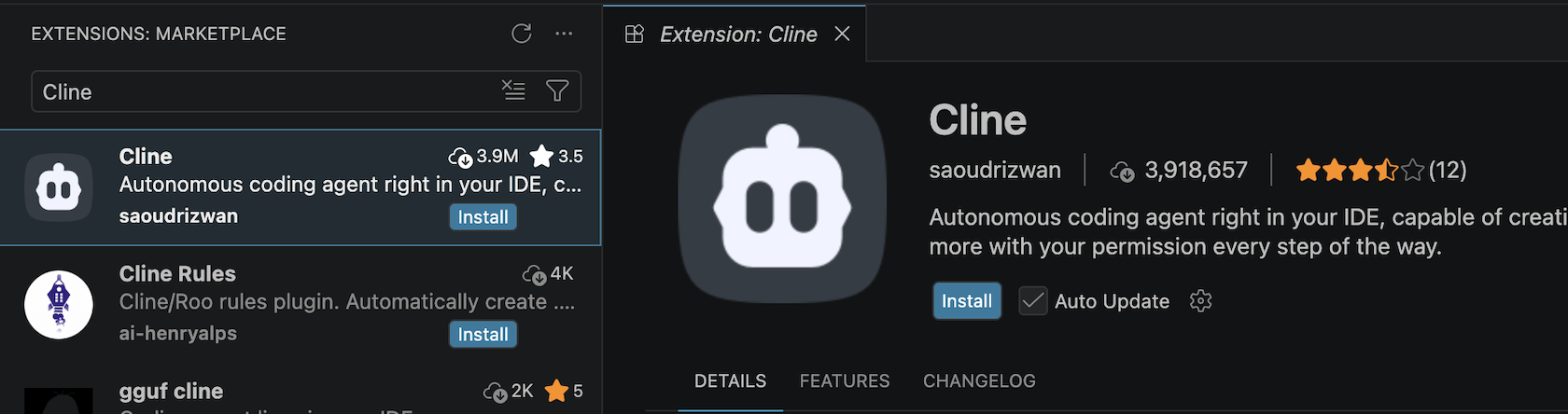
- Open VSCodium and install Cline.
- Configure Cline.
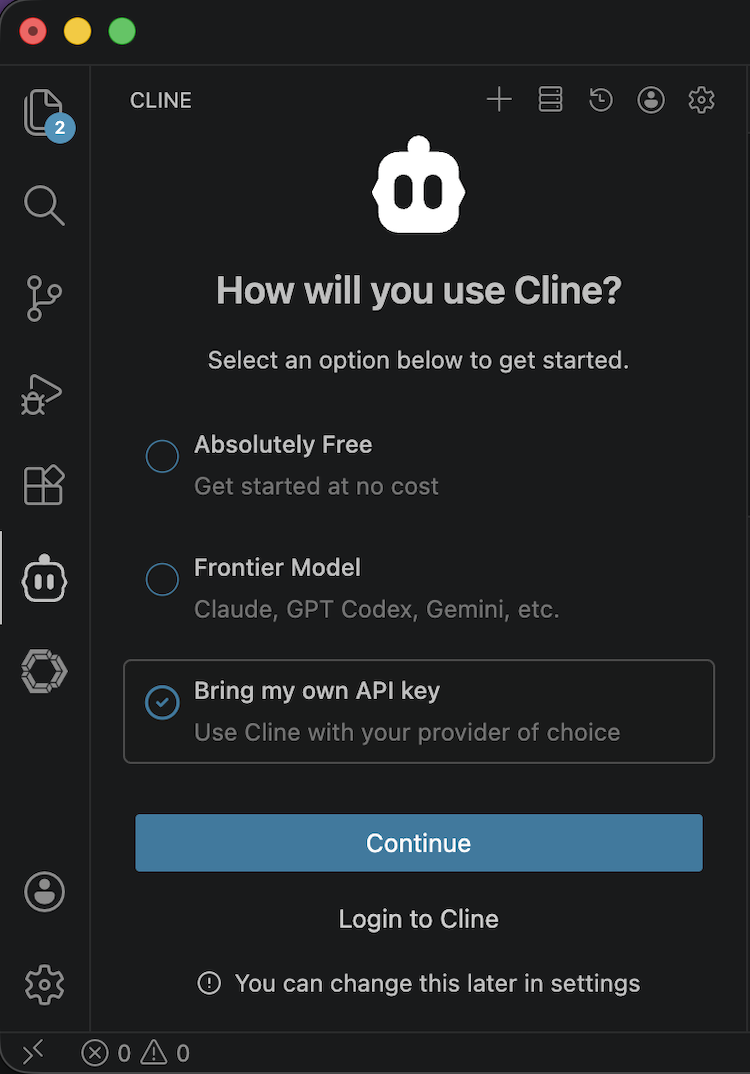
Click the Cline icon on the left side.
And then, choose Bring my own API key and click Continue.
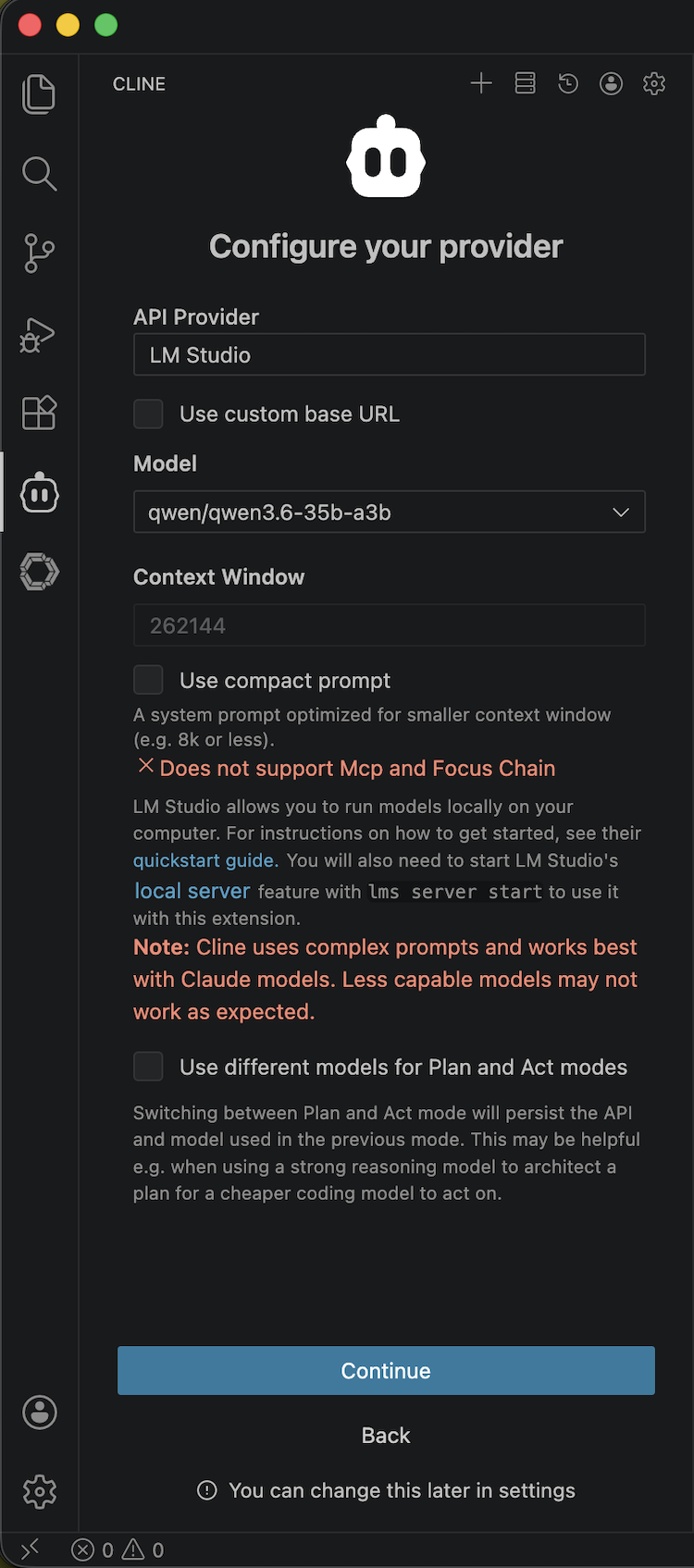
Set as follow and click Continue:
- API Provider: LM Studio
- Model: <your model> -> Cline will show you models which LM Studio has.
- Test Cline.
Order something.